Nov 15 Weekly Recap Putting You in Charge


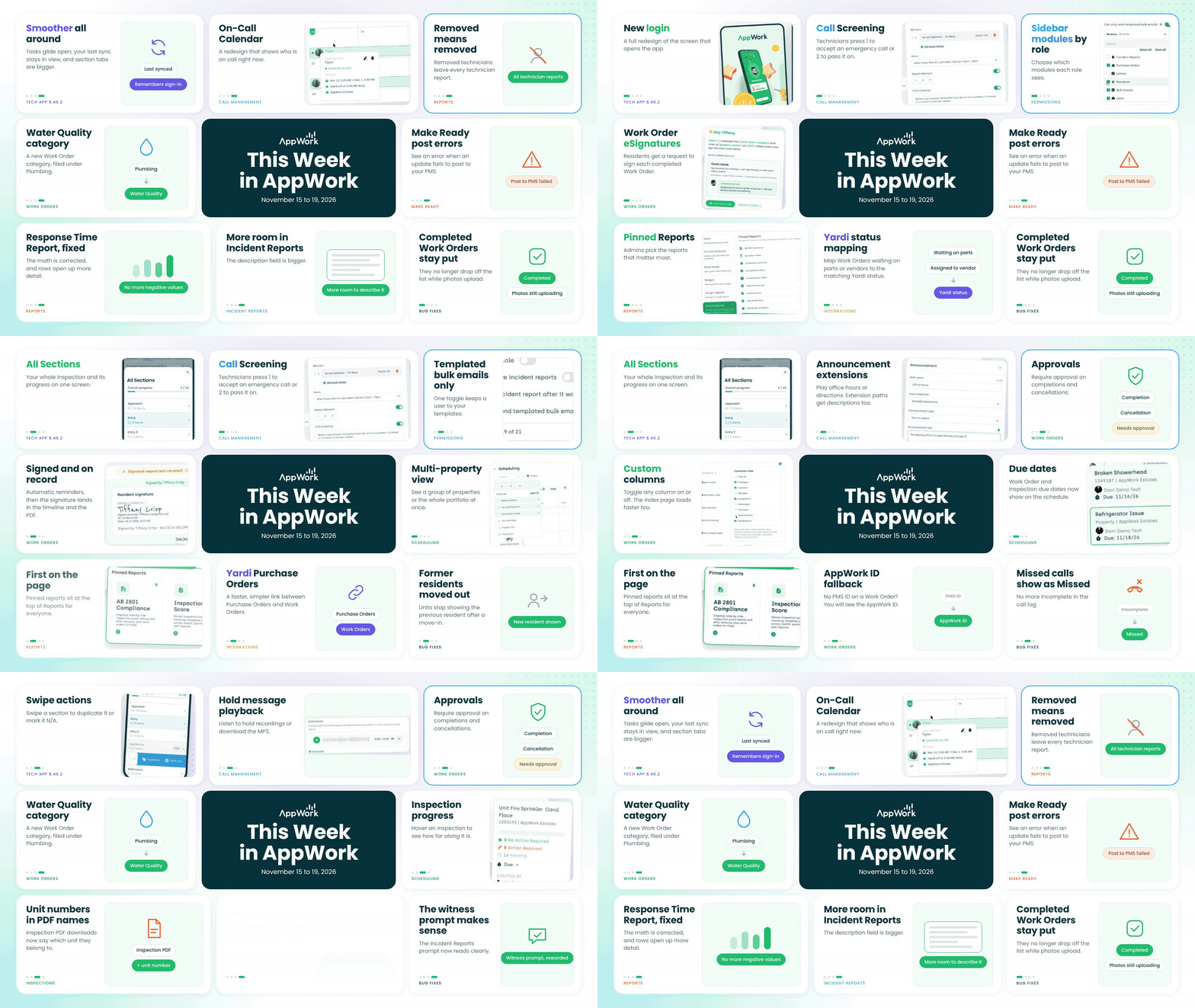
Tech App 8.46.2: new login and inspection overview
Released November 15. Update to 8.46.2 on the App Store or Google Play. Your first tap will tell you why.
Login
A login screen worth looking at. The first screen technicians see got a full redesign. Same sign-in flow, much cleaner look.
It remembers how you sign in. Log out, come back, and the app pre-fills your last sign-in method.
Work Orders
Tasks open like they mean it. Tap a task and its card expands into the task itself. Close it and you land back at the same spot in your list.
Know when you last synced. The top right corner shows your last sync. Today's syncs show the time, and older ones show the date.
Inspections
All Sections: your whole inspection on one screen. Tap the menu icon at the end of the section bar to see every section, how many items are done in each, and your overall progress. Tap a section to jump straight to it.
Duplicate or mark N/A with a swipe. In the All Sections panel, swipe left on a section to Duplicate it or Mark N/A.
Bigger section tabs. The section bar is a little taller, so tabs are easier to hit on the go.
Bug fixes
Completed Work Orders stay put. Finish a Work Order while photos were still uploading, and it used to vanish from the Completed list until the sync caught up. Your work was always saved. Now it stays visible the whole time.
Call Screening and Work Order eSignatures
Released November 15. Phone lines got smarter, Work Orders can ask residents for a signature, and Scheduling can show more than one property at a time.
Call Management
Call Screening. Before a technician is connected to a resident, AppWork announces that it's an emergency call. Press 1 to accept or 2 to decline, and a decline sends the call down the queue. Turn it on by opening the call queue and toggling on Call Screening.
Announcement-only extensions. A new extension type that just plays a message, like office hours or directions. Set it up under Call Management > Welcome Message & IVR Settings > Add Announcement.
Hold messages you can hear. Play back your hold message recordings or download them as MP3 files.
Extension path descriptions. Each extension path can now carry a description. Update them under Settings > Property Settings > Call Management > Edit.
Work Orders
Work Order signatures. When enabled, AppWork sends the resident an eSignature request for every completed Work Order in their unit. No signature? AppWork sends 3 automatic reminders, 24 hours apart, and you can send one manually from the Work Order timeline. The signature shows in the timeline and in the PDF export.
Completion and cancellation approvals. Completions and cancellations can now require approval. Each one gets a manual review before the Work Order moves to its new status.
Yardi status mapping. Work Orders waiting on parts or assigned to vendors can map to the matching Work Order status in Yardi.
Yardi Purchase Orders integration. The link between Yardi Purchase Orders and Work Orders is faster and simpler. Contact AppWork to learn more or turn it on.
Work Order ID column toggle. You can turn the Work Order ID column on or off on the Work Order index page. The November 19 release extends this to every column.
A faster index page. The Work Order index page loads significantly faster.
Scheduling
See more than one property. The property selector is now a multi-property selector. View one property, a group, or your whole portfolio combined.
Due dates on the schedule. Due dates for Work Orders and inspections now appear on the Scheduling page.
Inspection progress on hover. Hover over an inspection on the Scheduling page to see how far along it is.
Everything else
On-Call Calendar redesign. A new design makes it easier to see who is on call right now, based on the rollover time.
More room in Incident Reports. The description field is bigger, for longer descriptions.
Make Ready post errors. AppWork now shows an error when an update fails to post to your property management system (PMS).
Pinned Reports and better inspection PDF names
Released November 16. The reports your team opens most now sit at the top of the page, and inspection PDFs are easier to tell apart.
Pinned Reports. Company Administrators (system admin and super admin roles) can pin the most important reports to the top of the Reports page for everyone. Go to Settings > System Settings > Maintenance > Pinned Reports and pick the ones to pin.
Inspection PDFs that say which unit. Downloaded inspection PDFs now include the unit number in the filename. Common area and property inspections keep their usual name.
Bug fixes
Former residents finally moved out. A unit could keep showing its previous resident on Work Orders and unit details after a new resident moved in. Fixed.
Missed calls now admit they were missed. In Call Management, a call that hit voicemail without leaving a message sometimes showed in the call log as Incomplete. It now shows as Missed.
Sidebar modules and Work Order columns
Released November 19. You now decide what each person sees in AppWork and which columns show up on your Work Orders.
User Permissions
Your sidebar, your rules. Choose which modules each role sees in the sidebar. Don't want someone seeing Incident Reports? Turn it off. Find it under Settings > System Settings > Core > Staff > Roles > Modules.
Templated bulk emails only. Limit a user to sending bulk emails from your templates, so nobody goes freestyling. On the same Roles tab, toggle on "Can only send templated bulk emails."
Work Orders
Pick your columns. Toggle any column on or off on the Work Order index page. Show fewer to cut the scrolling, or add the one you keep hunting for.
No PMS ID? No blank. If a Work Order has no property management system (PMS) ID, AppWork now shows the AppWork ID instead.
Water Quality gets its own category. You'll find it under Plumbing.
Reports
The Response Time Report learned to count. It no longer shows negative values, and clicking a row now gives you more detail.
Removed means removed. Take a technician out of the insight reports and they now come out of all technician-level reporting.
Incident Reports
The witness prompt now makes sense. Yes, this should have been clearer sooner. We agree.