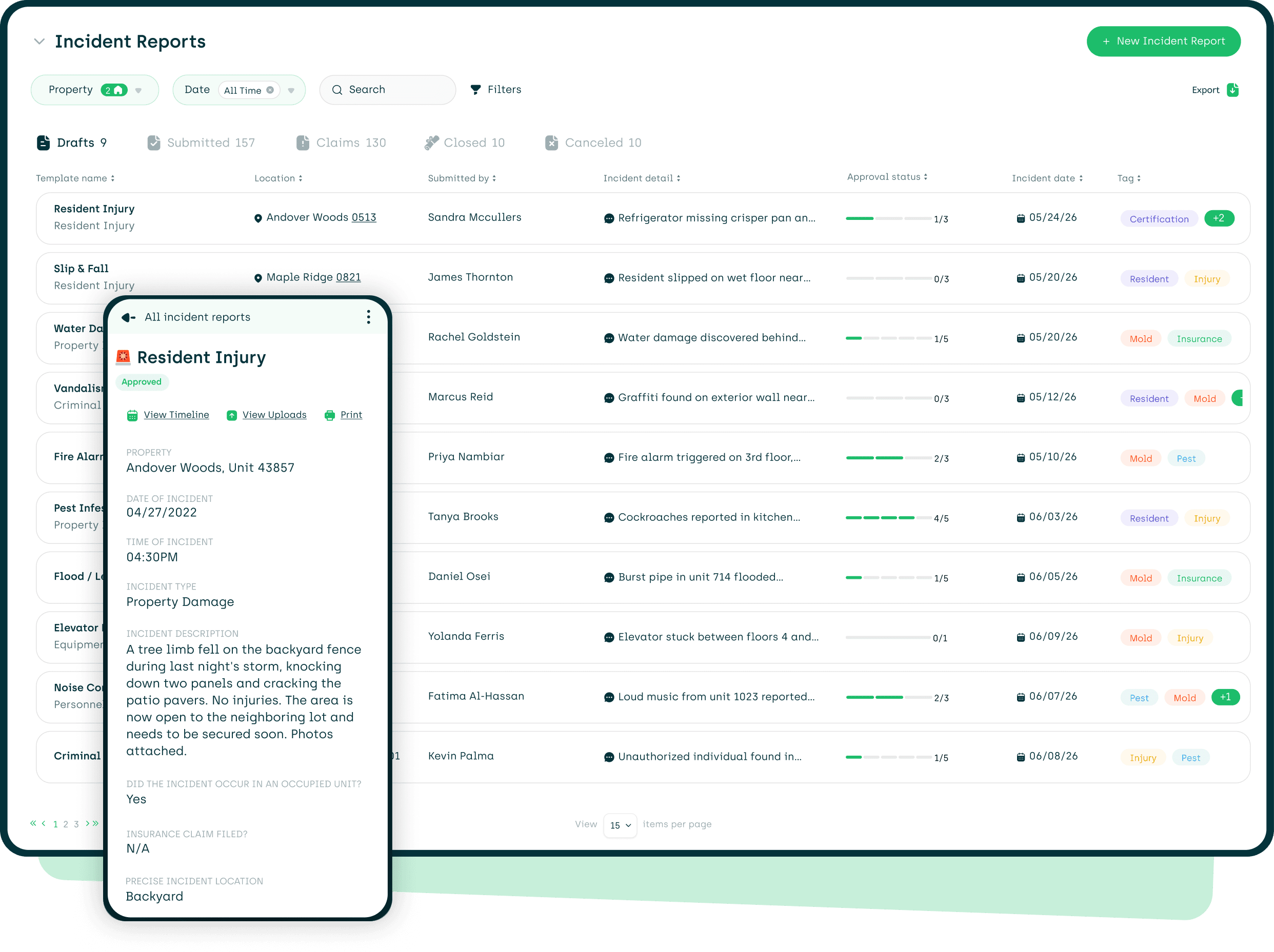
Incident Reports
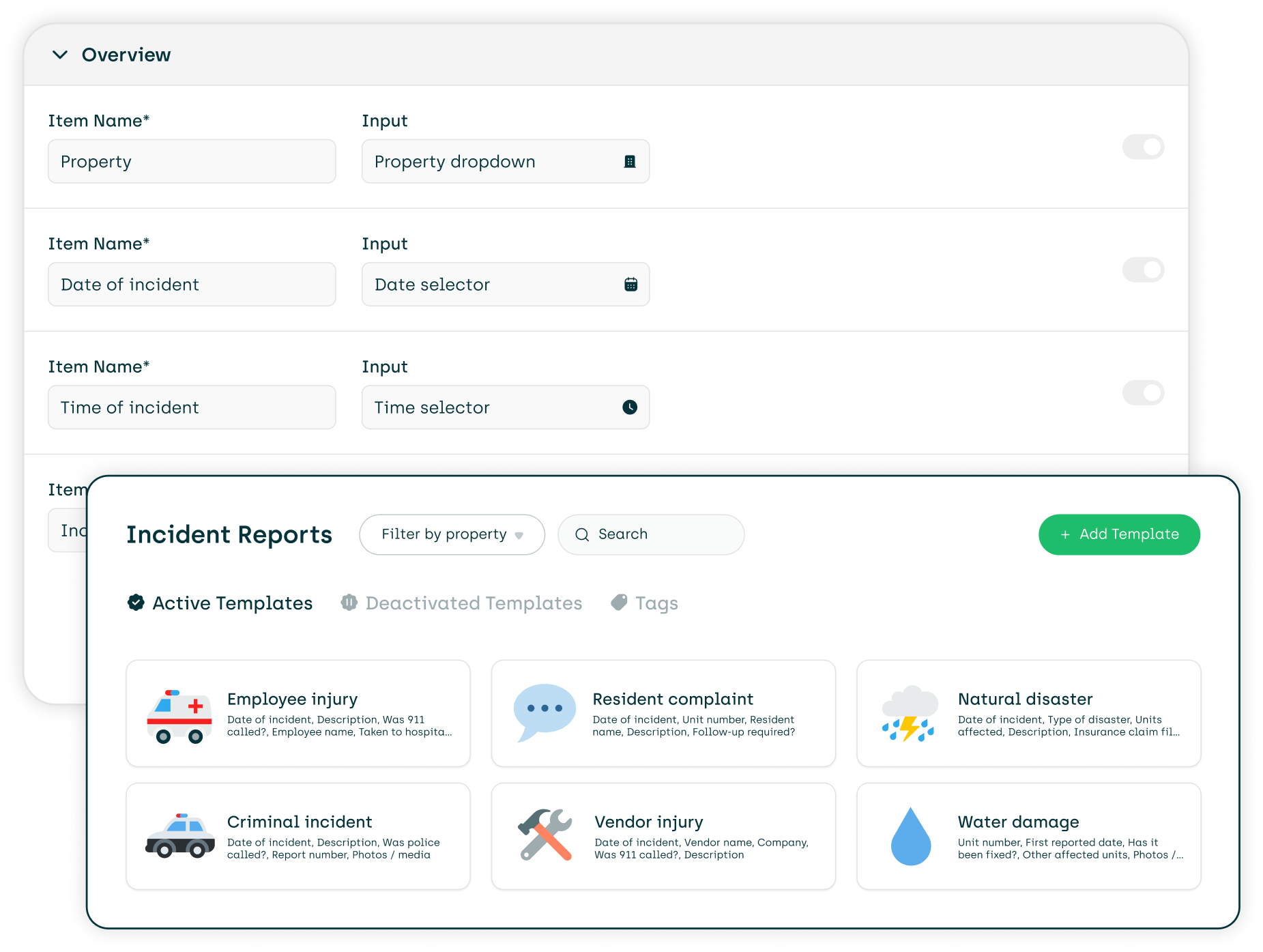
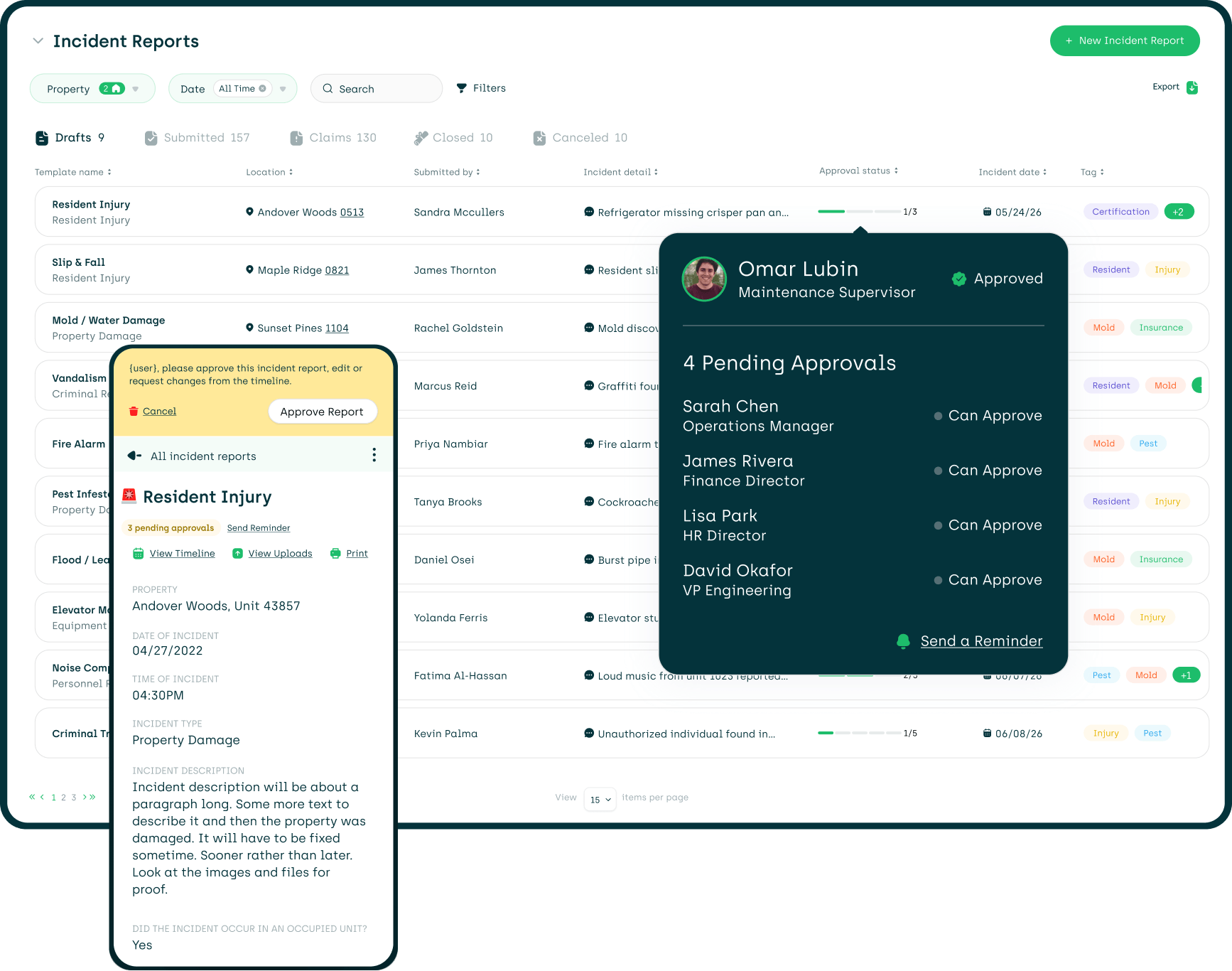
One Template Per Incident


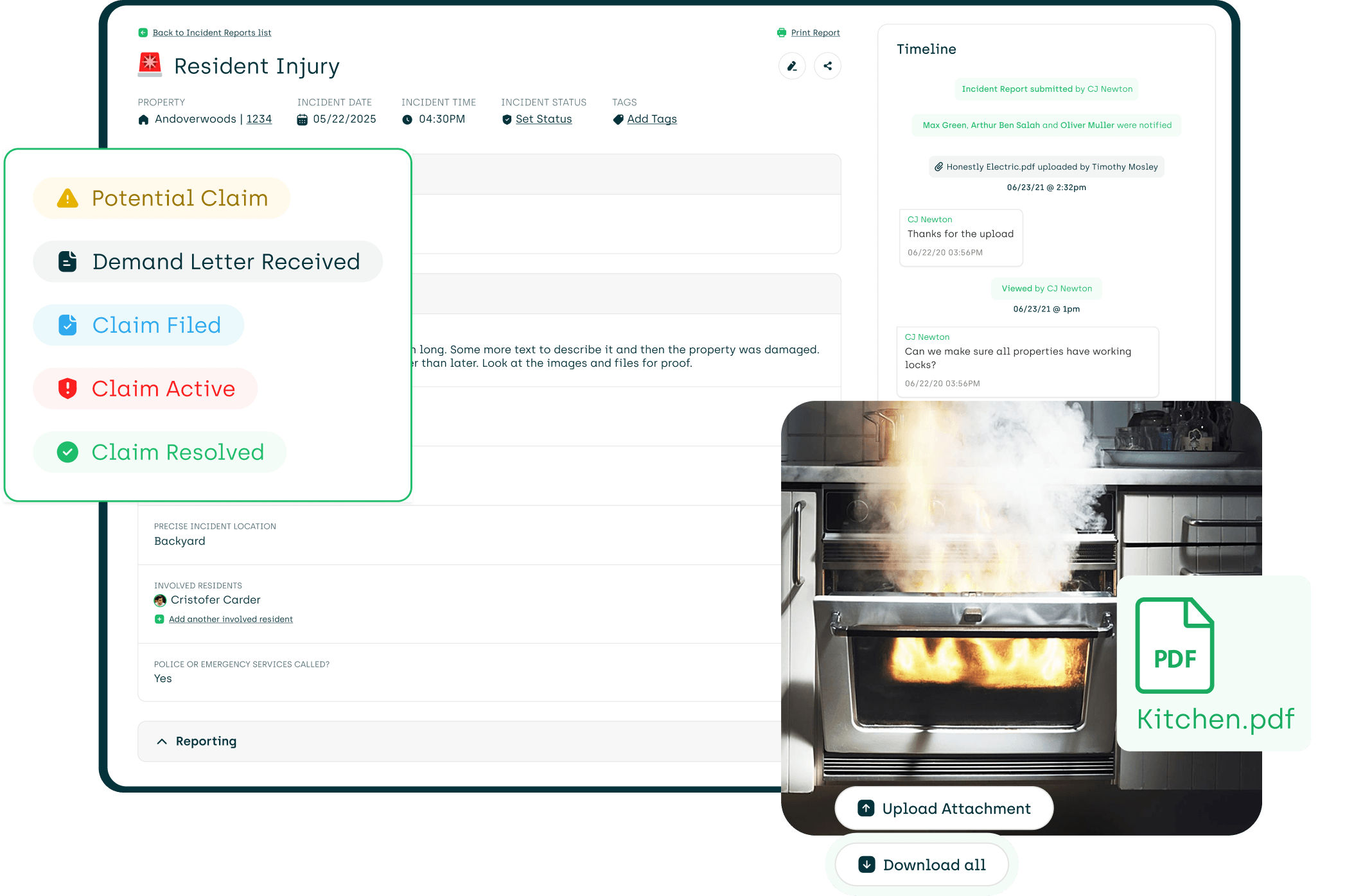
Mitigate Risk
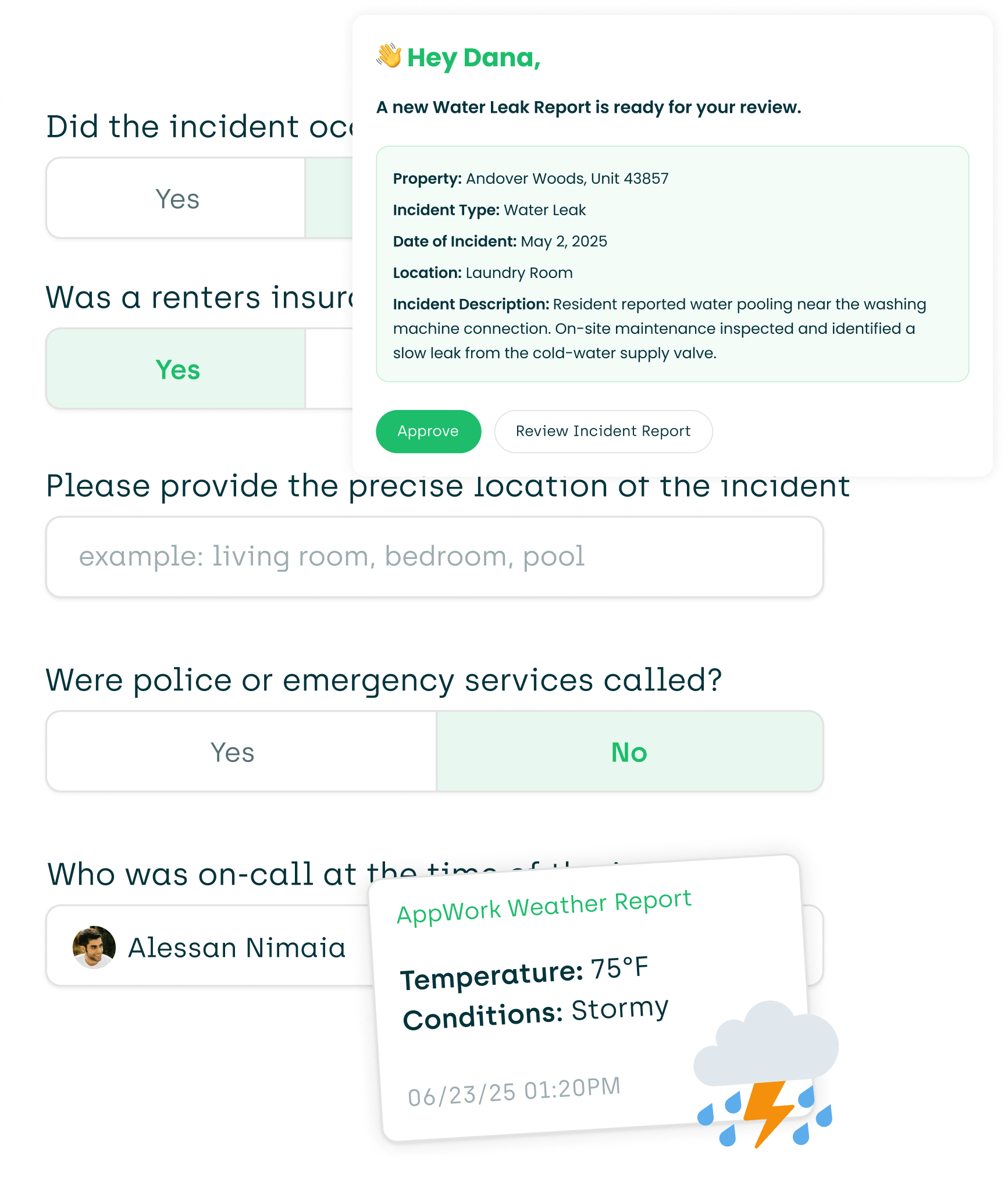


Read a Report in Seconds


Sign Off Before It's Final


Try Out Incident Reports
More Solutions

Automate compliance with AB 2801 using specially designed features and comprehensive reports.

Turn data into directives with real-time and in-depth analytics.

Centralize every asset in one simple dashboard with AppWork’s asset tracking

When a resident has an emergency after hours, AppWork's IVR kicks in automatically

A collaborative, cloud-based make ready board to help decrease turnover times and reduce vacancy loss.

Document every unit with photos, checklists, and notes, right from your phone.

Create thorough documentation on the spot. Store reports digitally for easy access and searching.

Get a concise daily, weekly, and monthly snapshot of your operations and team performance.

Create and complete inspections with ease. It comes with an intuitive and easy-to-use interface.
AppWork’s inventory management keeps your team on the same page with live tracking, of every change and update.

Request and approve purchase orders with ease. Includes detailed analytics and notifications.

Track refrigerant usage across jobs and properties to spot inefficiencies and prevent losses

View, generate, and export reports with a couple of taps from any device.

A special app for your technicians to help increase operational efficiencies.
Supercharge your maintenance team with in-depth analytics, performance badges, and reviews.

Manage vendors like you manage your technicians, including resident reviews.

Easily create, track, search, and organize your work orders. Simple yet comprehensive.