Control Sidebar Modules and Work Order Columns


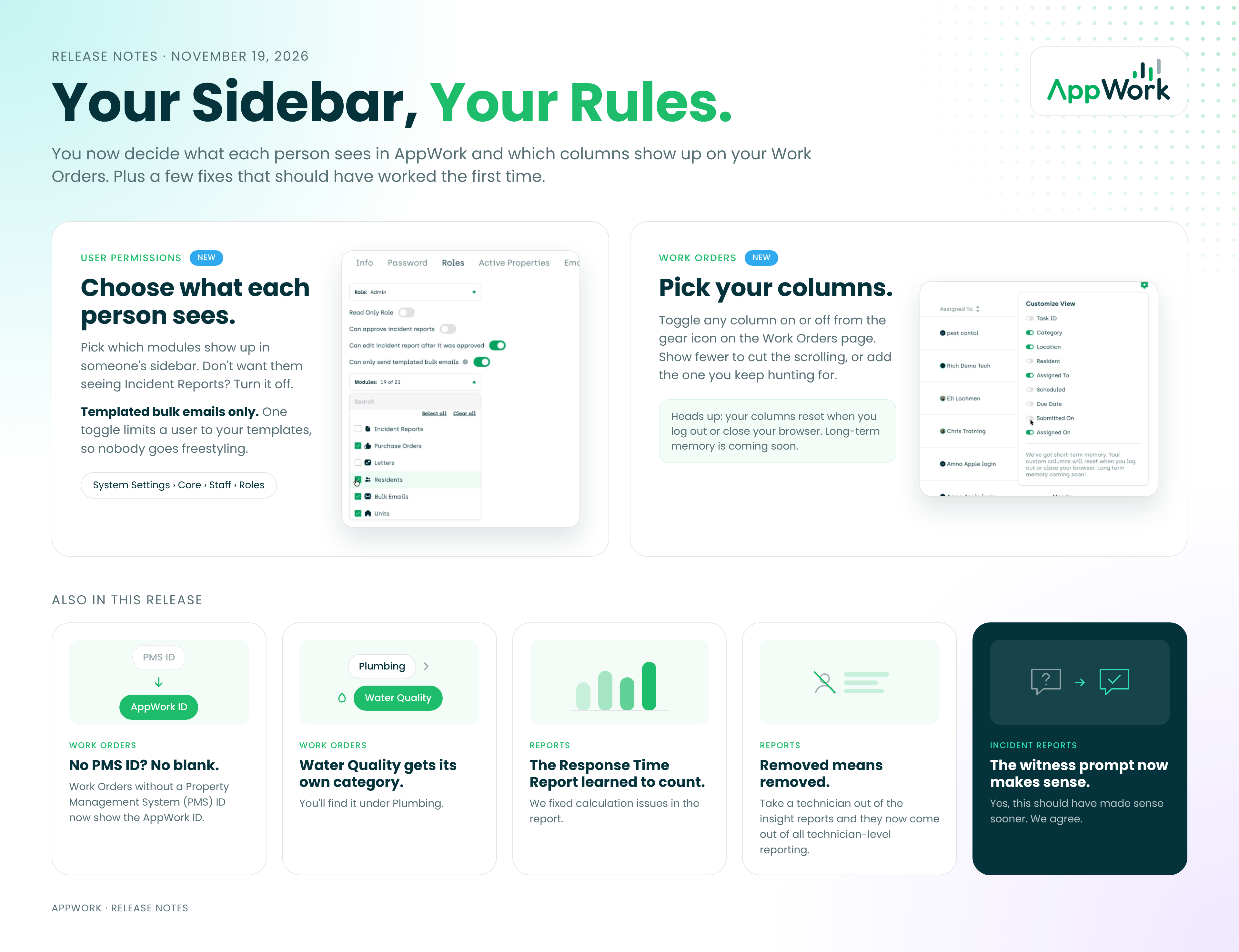
You now decide what each person sees in AppWork and which columns show up on your Work Orders. We also cleaned up a few things that should have worked the first time.
User Permissions

Your sidebar, your rules. You can now choose which modules each role sees in the sidebar. Don’t want someone seeing Incident Reports? Turn it off for them. Settings > System Settings > Core > Staff > Roles > Modules
Templated emails only. Some teams send a lot of email from AppWork, and not all of it sounds the way you’d want. You can now limit a user to templated emails so nobody goes freestyling. Settings > System Settings > Core > Staff > Roles > Toggle on “Can only send templated bulk emails”
Work Orders

Pick your columns. Toggle any column on or off on the Work Order index page. Show fewer to cut the scrolling, or add the one you keep hunting for.
No PMS ID? No blank. If a Work Order has no Property Management System (PMS) ID, we now show the AppWork ID instead.
Water Quality gets its own category. You’ll find it under Plumbing.
Reports
The Response Time Report learned to count. It no longer goes negative and clicking on the rows gives you what you need.
Removed means removed. When you take a technician out of the insight reports, they now come out of all technician-level reporting.
Incident Reports
The witness prompt now makes sense.
Yes, this should have made sense sooner. We agree.