
Pinned Reports and Better Inspection PDF Names


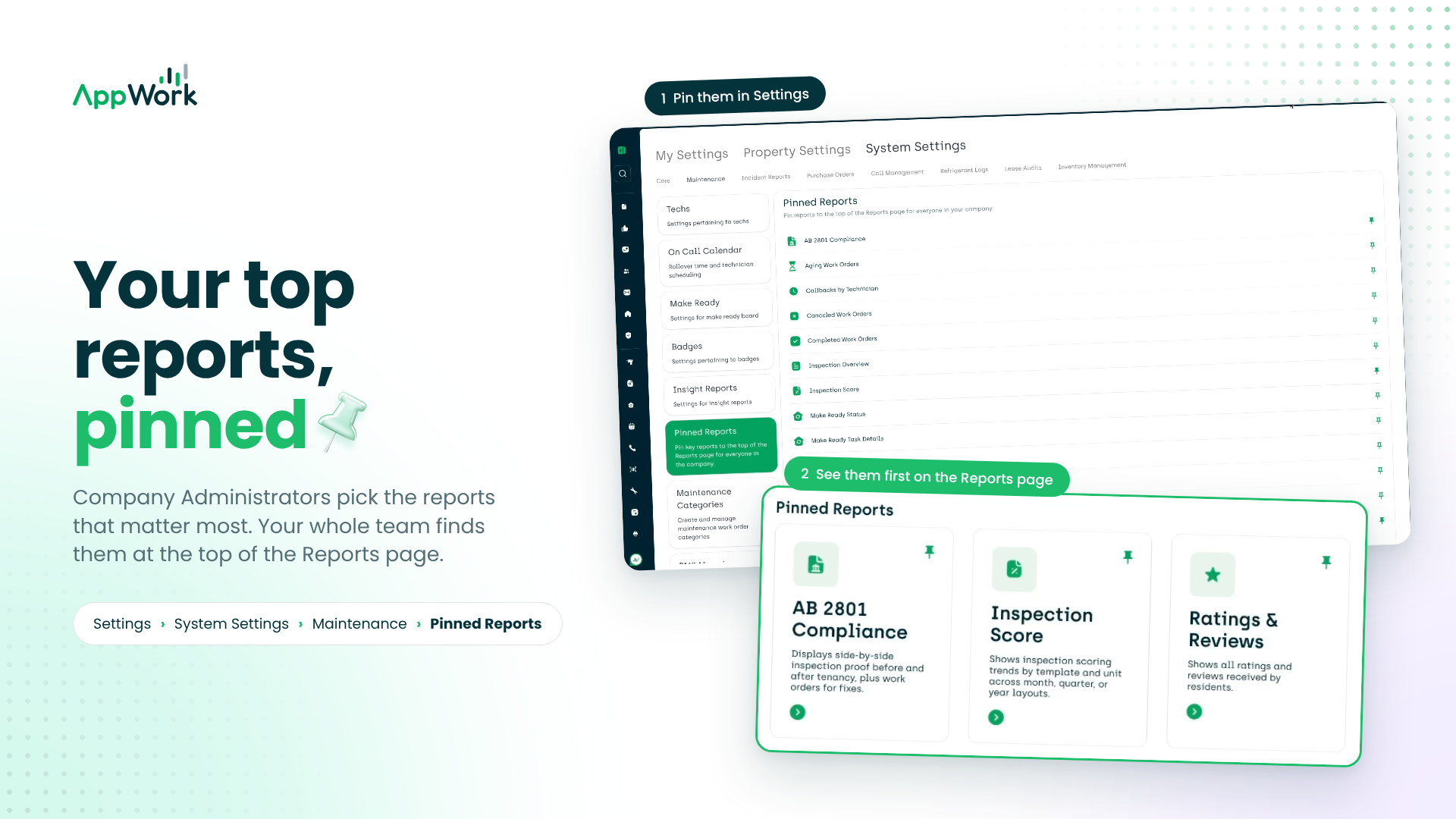
Company Administrators can now pin the reports your team lives into the top of the Reports page, so nobody has to scroll past the rest to find them. We also gave inspection PDFs filenames you can tell apart and showed two stubborn bugs, the door.
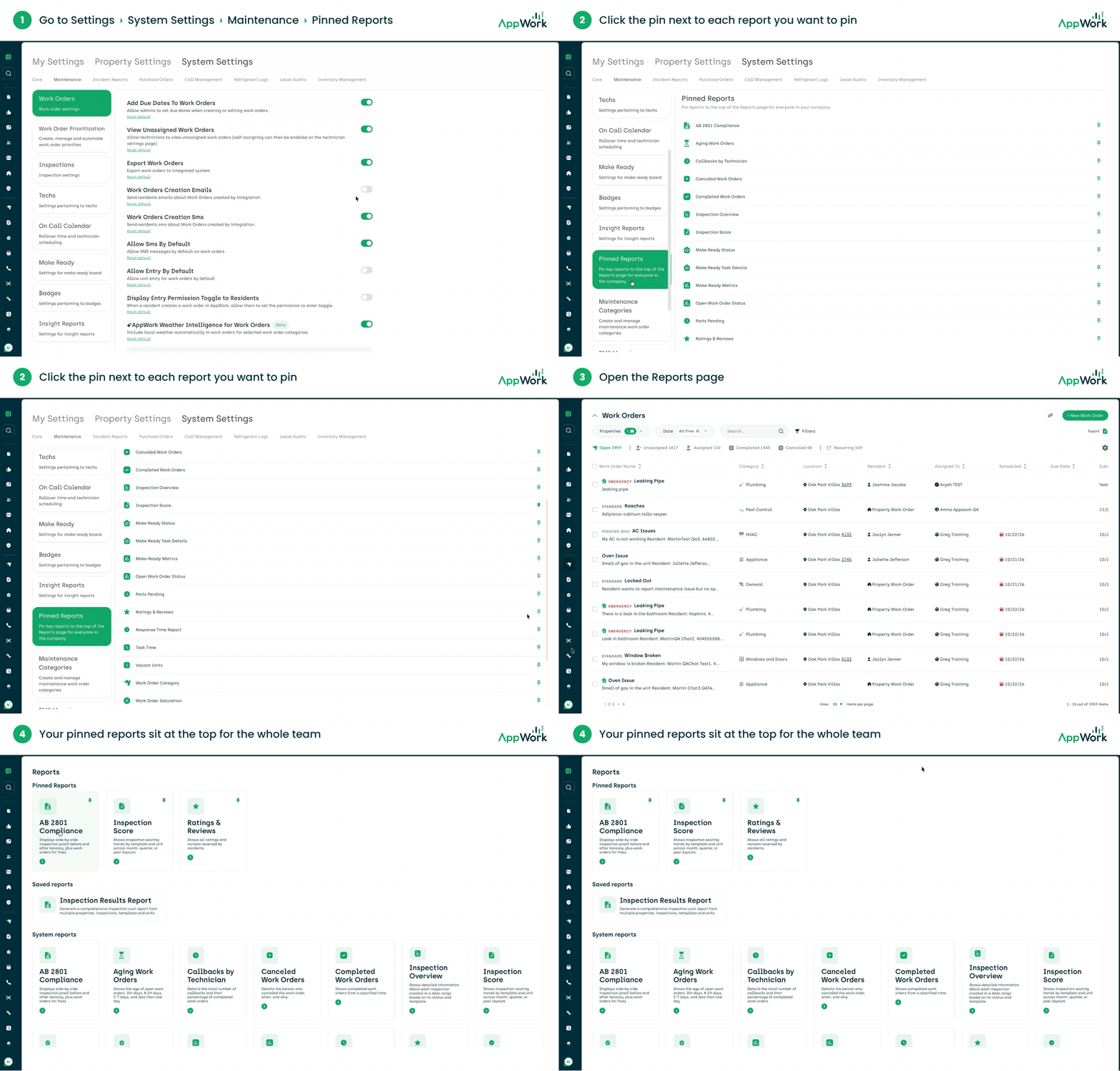
Introducing Pinned Reports: Company Administrators (system admin and super admin roles) can now setup pinned reports making it easier for your team to view and access the reports that are most important to your company.
To set up pinned reports navigate to Settings > System Settings > Maintenance > Pinned Reports. Select the reports you’d like to pin.
Now when your team navigates to the reports page in AppWork the reports you pinned will show up in the new Pinned Reports section at the top of the Reports page.
Improved inspection export file naming: Downloaded inspection PDFs now include the unit number in the filename, so a folder full of exports stops looking like a folder full of twins. Common area and property inspections keep their usual filename.
Bug Fixes
Former residents finally moved out. Fixed an issue where a unit could keep showing its previous resident on Work Orders and unit details after someone new moved in. They handed back the keys; we kept setting a place at the table.
Missed calls now admit they were missed. In Call Management, a call that reached voicemail without a message left behind sometimes showed up in the call log as Incomplete. It now shows as Missed, which is what it was all along.