V8.31.3 Gives Techs More Control in the Field


This release brings two new features to the palms of multifamily maintenance technicians. They can create inspections without a detour to the Admin Portal, and they can now change the work order category instead of living with the AI's first guess.
Inspections
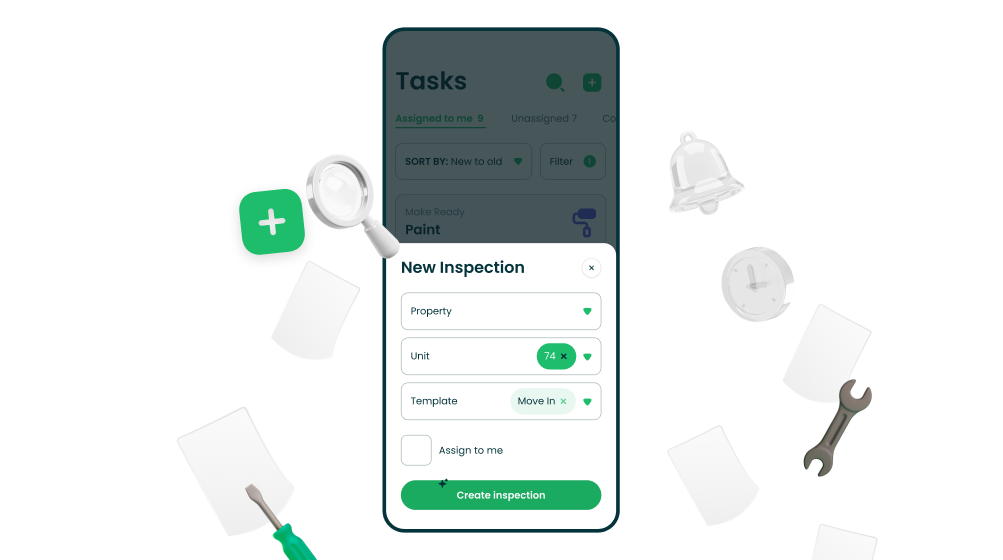
Create inspections right from the Technician App. The + button now gives your techs two options: Create Work Order and Create Inspection. Standing in a unit and something needs a walkthrough? Kick it off on the spot. No trip back to the Admin Portal, no "I'll do it later" that becomes never.
Heads up: This is only available for technicians with permission to create new tasks enabled
Work Orders
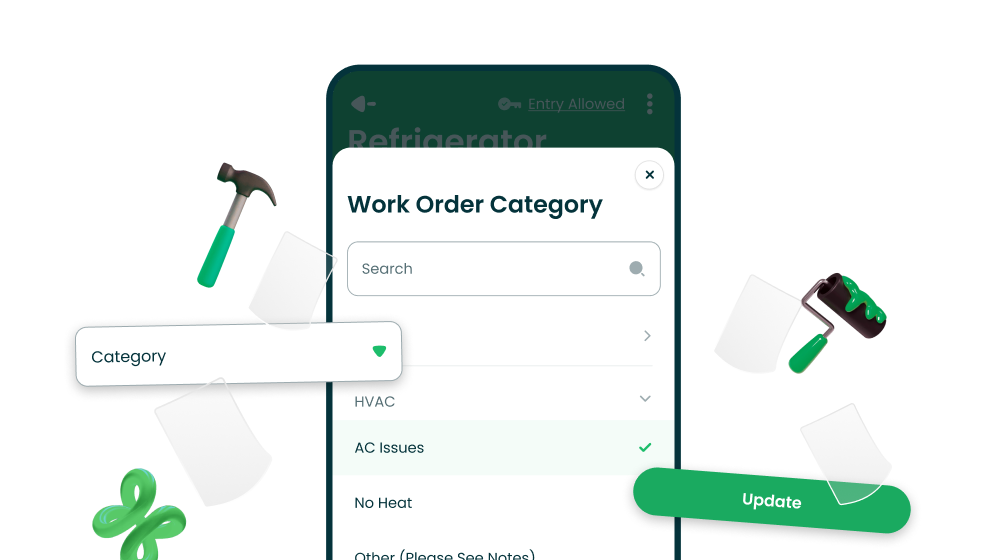
New work orders now come with a category. And a say in it. Creating a work order in the Tech App now shows a Category field that fills itself in as your tech types the description.
Smart guess wrong? Tap it, search, pick the right one. Once a tech picks a category manually, the app stops second-guessing them. The create screen also graduated from a cramped bottom sheet to a full screen, because forms deserve room to breathe.
Wrong category on an existing work order? Fix it where you stand. Techs are the ones looking at the actual leak, so they're the best judges of whether it's really an "AC Issue." Any tech who can create work orders can now tap the category on an existing work order and change it, with a quick animation confirming it took place.
Works offline too: Change it in the basement, it syncs when you resurface.
Bug Fixes
Duplicate photos stopped playing hide-and-seek. Uploading the same photo twice used to make it vanish from the upload section, as if the app was hiding it for you. Now every upload shows up where it belongs.
Long inspection template names no longer break the design. If your template name reads like a legal disclaimer, the app now handles it gracefully instead of letting it trample the layout. Name away.
Download V8.31.3 from the App Store or Google Play.