Call Management
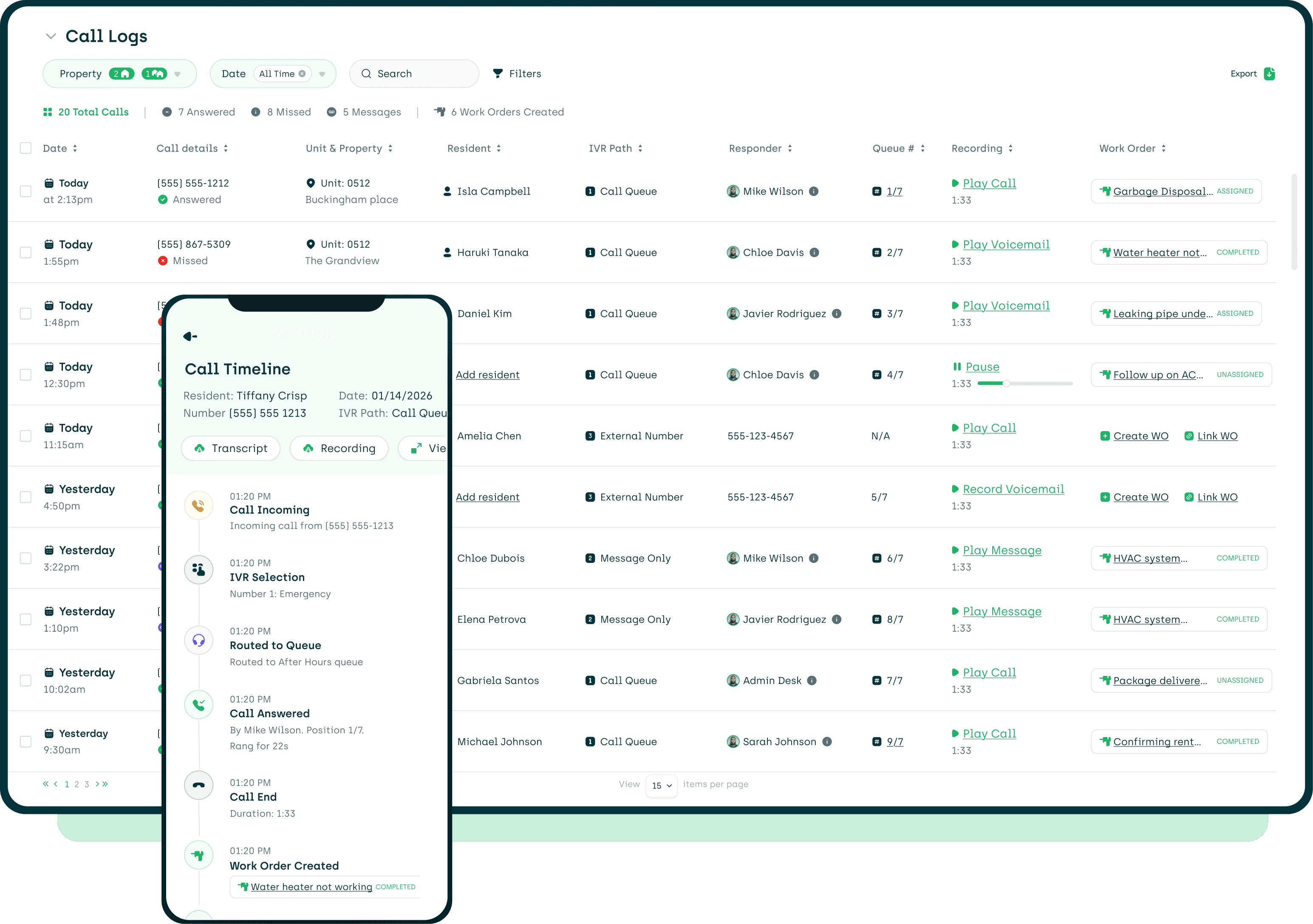
Emergency Calls Handled While You Sleep
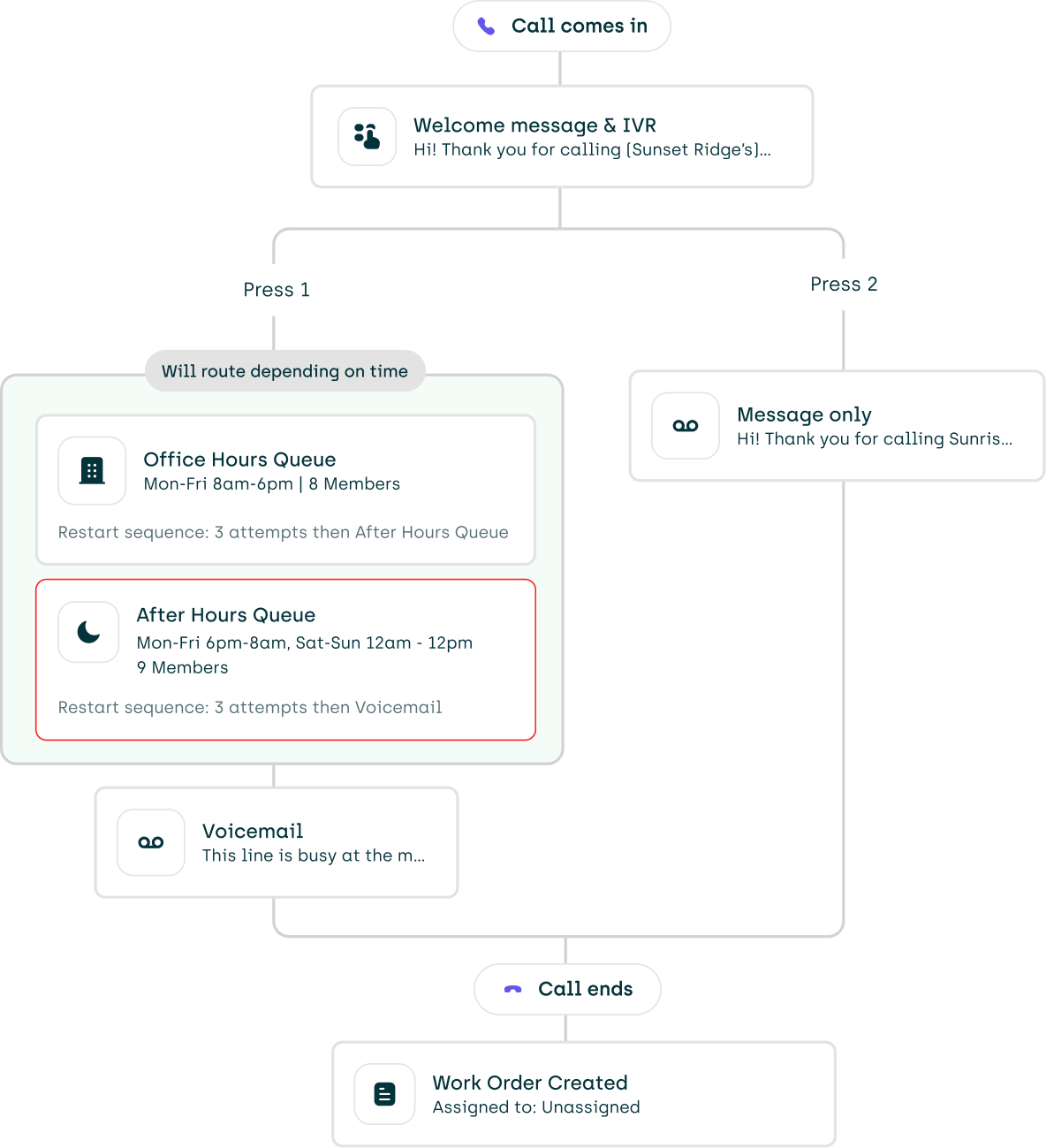


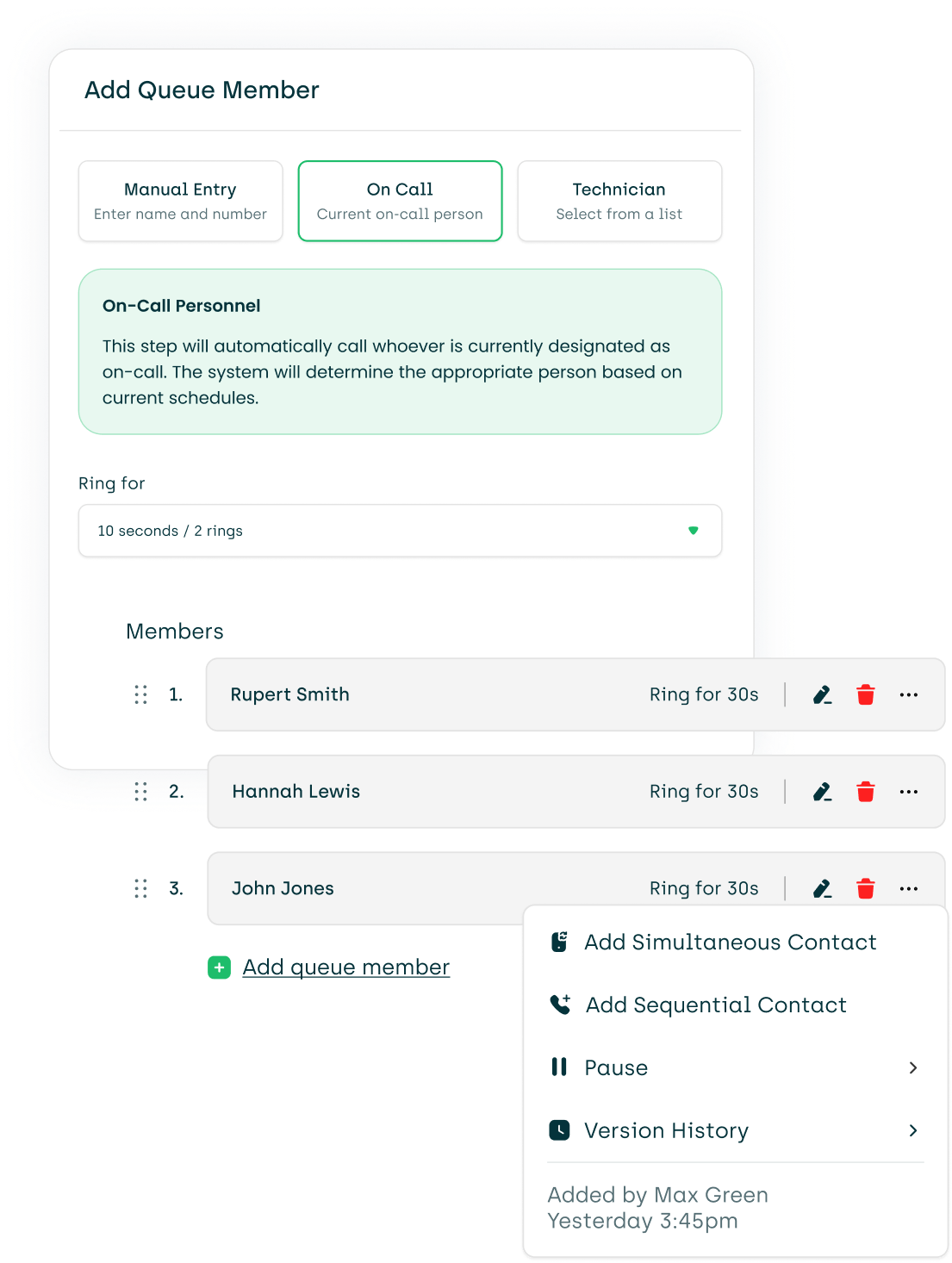
Routing That Updates Itself


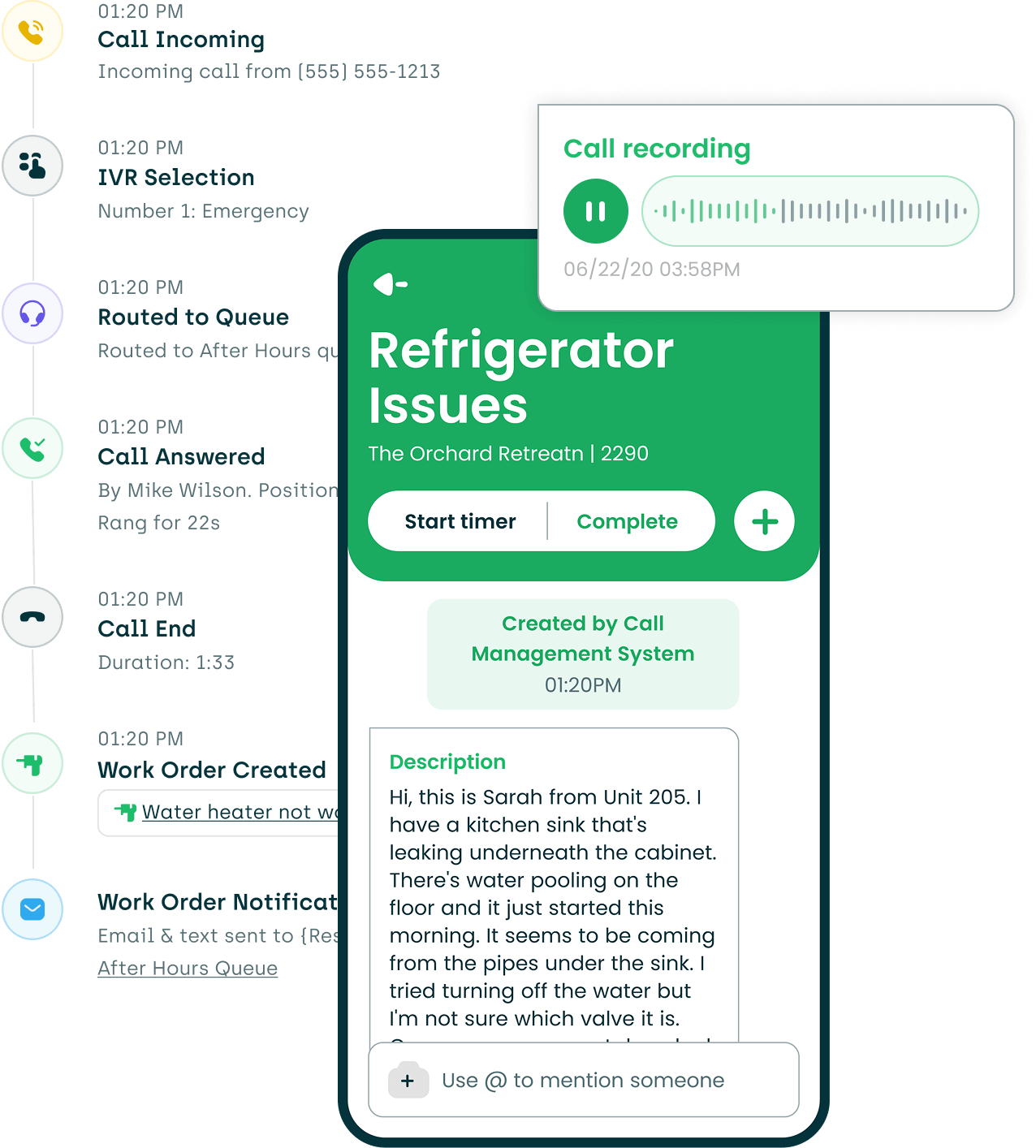
Calls That Create Work Orders


Complete Call Log
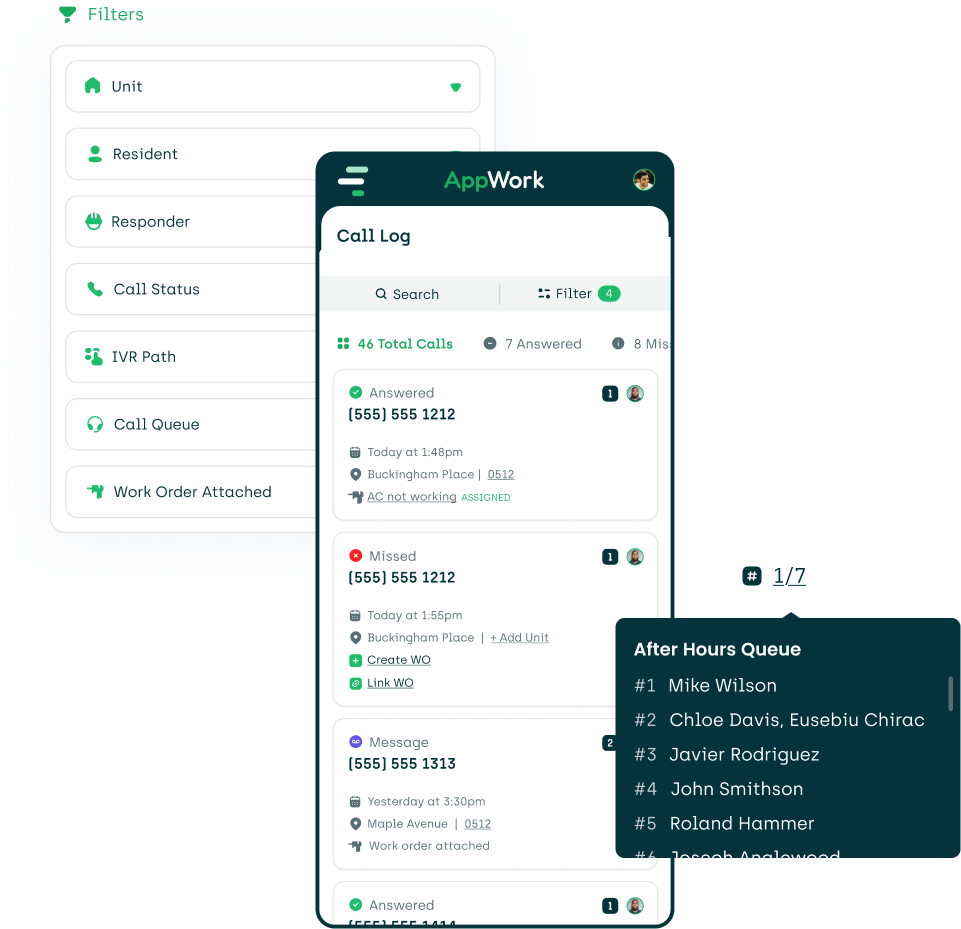


See Call Management in Action
More Solutions

Automate compliance with AB 2801 using specially designed features and comprehensive reports.

Get a concise daily, weekly, and monthly snapshot of your operations and team performance.

Turn data into directives with real-time and in-depth analytics.

View, generate, and export reports with a couple of taps from any device.

A special app for your technicians to help increase operational efficiencies.

Manage vendors like you manage your technicians, including resident reviews.

Request and approve purchase orders with ease. Includes detailed analytics and notifications.

Create thorough documentation on the spot. Store reports digitally for easy access and searching.

Easily create, track, search, and organize your work orders. Simple yet comprehensive.

A collaborative, cloud-based make ready board to help decrease turnover times and reduce vacancy loss.

Create and complete inspections with ease. It comes with an intuitive and easy-to-use interface.
Supercharge your maintenance team with in-depth analytics, performance badges, and reviews.

Centralize every asset in one simple dashboard with AppWork’s asset tracking

AppWork’s inventory management keeps your team on the same page with live tracking, of every change and update.

When a resident has an emergency after hours, AppWork's IVR kicks in automatically

Track refrigerant usage across jobs and properties to spot inefficiencies and prevent losses