Maintenance Updates That Save Time and Improve Clarity


The New Year is here, and so is a fresh set of new AppWork capabilities
Over the past few weeks, our team has been busy turning feedback into features, rolling out improvements that make maintenance work simpler, faster, and more intuitive. This release is packed with updates designed to help your team stay organized, move quicker, and get more value out of every work order.
Work Orders
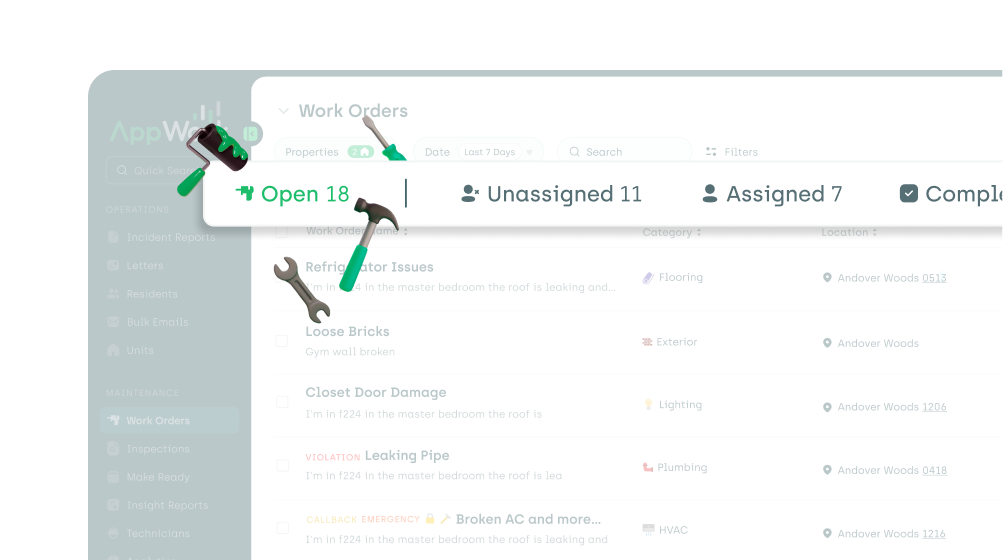
New “Open” work orders tab
We’ve added a new Open tab to the work order page so you can finally see everything in one simple tab. This makes it much easier to assign work orders based on unit location and identify duplicate work orders by sorting the unit column. Not to mention the added benefit of not having to do math anymore when calculating how many open work orders you have.
Inspections
1. Introducing custom inspection inputs
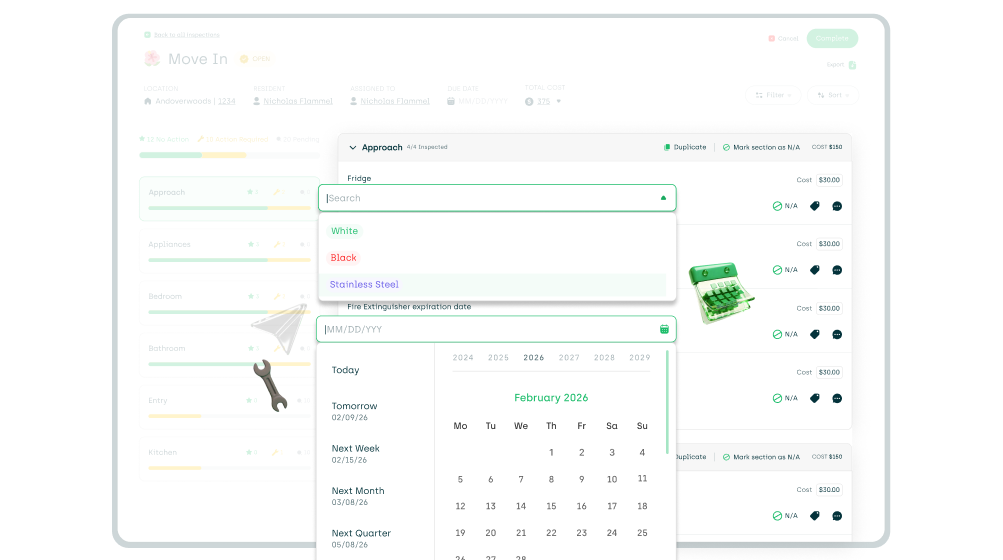
You can now create more inspection inputs for a simpler and more streamlined inspection!
a) Custom Dropdown
This input allows you to create any kind of inspection input you’d like, from simple Yes / No responses to anything you can dream of!
b) Date Input
This input allows your users to select a date. If you’d like, AppWork can display dates that passed in red.
To enable the custom inputs, navigate to:
Settings → System Settings → Maintenance → Inspections
Select your template and change the input type.
Important note:
This release only introduces the new inputs to the admin portal. An app update will be required for the inputs to work on the technician app. The update will be available in approximately 1–2 weeks. Until then, the custom input fields will show on the tech app as a text input.
Stay tuned for more input types coming soon!
2. Recurring inspections behavior update
Recurring inspections can now still generate even if there is another inspection of the same kind that is still open.
To enable this, navigate to the inspection template and click Settings.
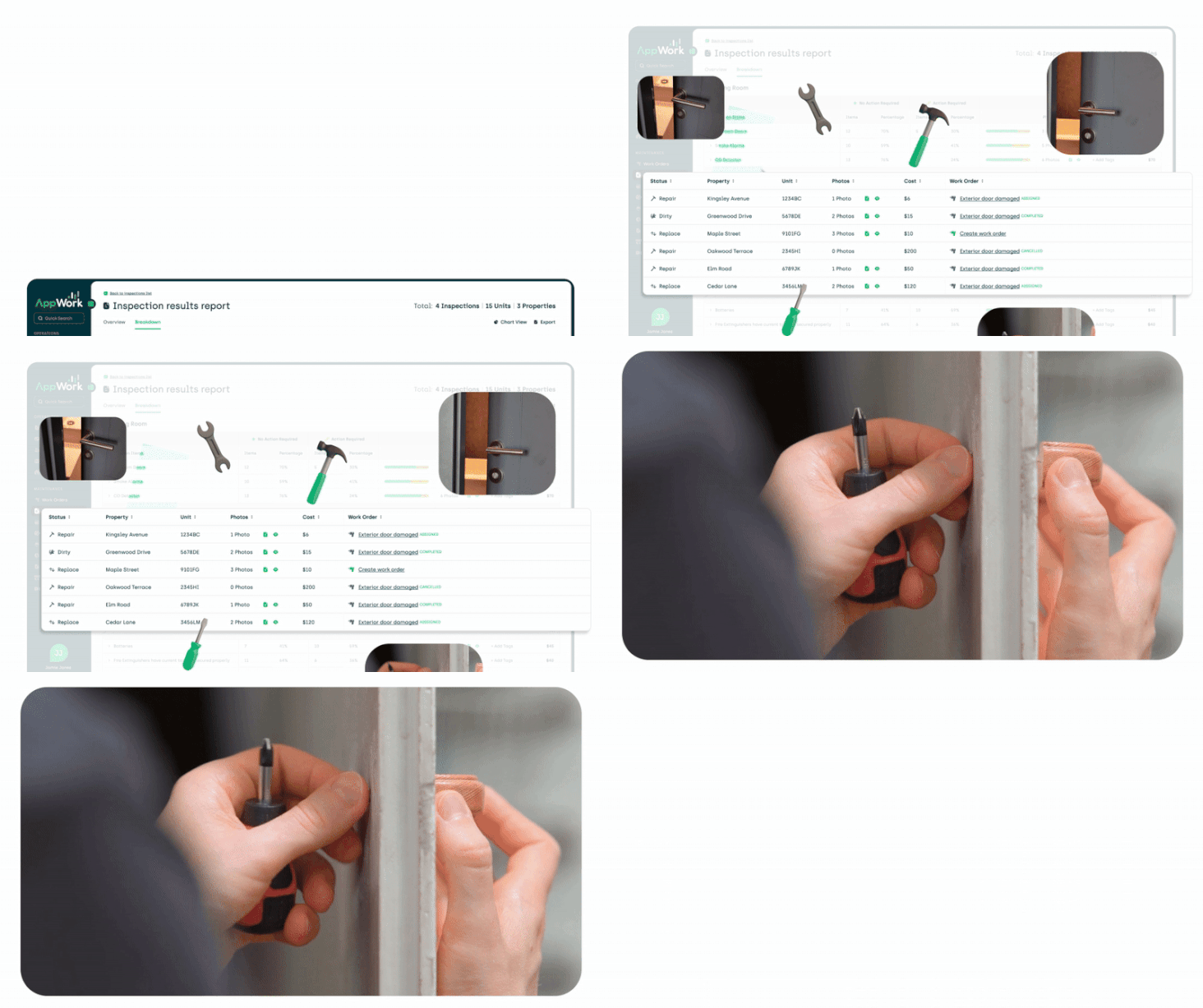
3. Inspection Results report enhancements
You can now drill into the Inspection Results report to see a breakdown of the units that require action. You can also create or view the status of the work orders associated with the issues.
4. Technician self-assignment for inspections
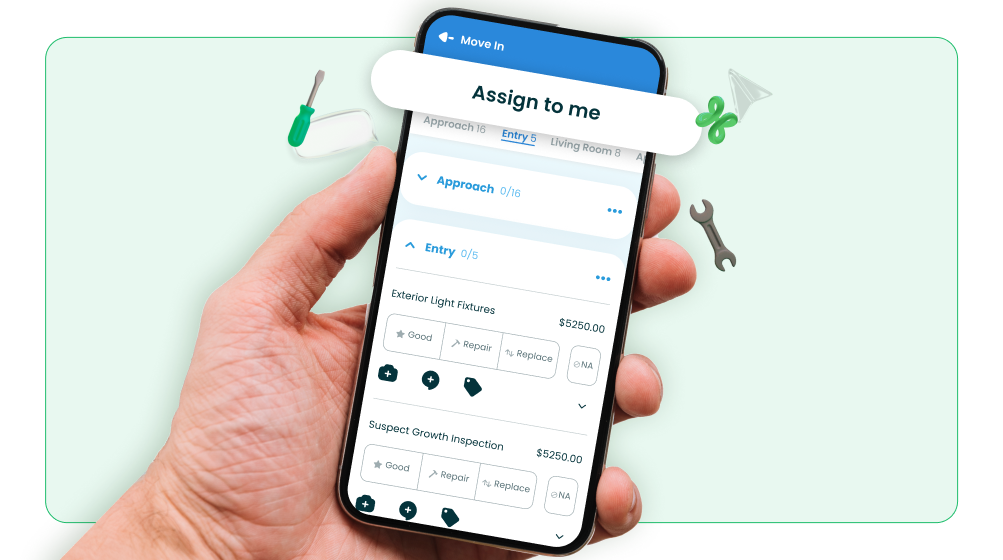
Technicians can now view and self-assign unassigned inspections directly from the tech app.
Be sure your team is using the most up-to-date version of the app: Version 8.2.8
5. Digital signatures on inspection exports
When exporting a completed inspection that has been approved by the resident, there is now a digital signature on the PDF export showing that it’s been signed.

Make Ready Board
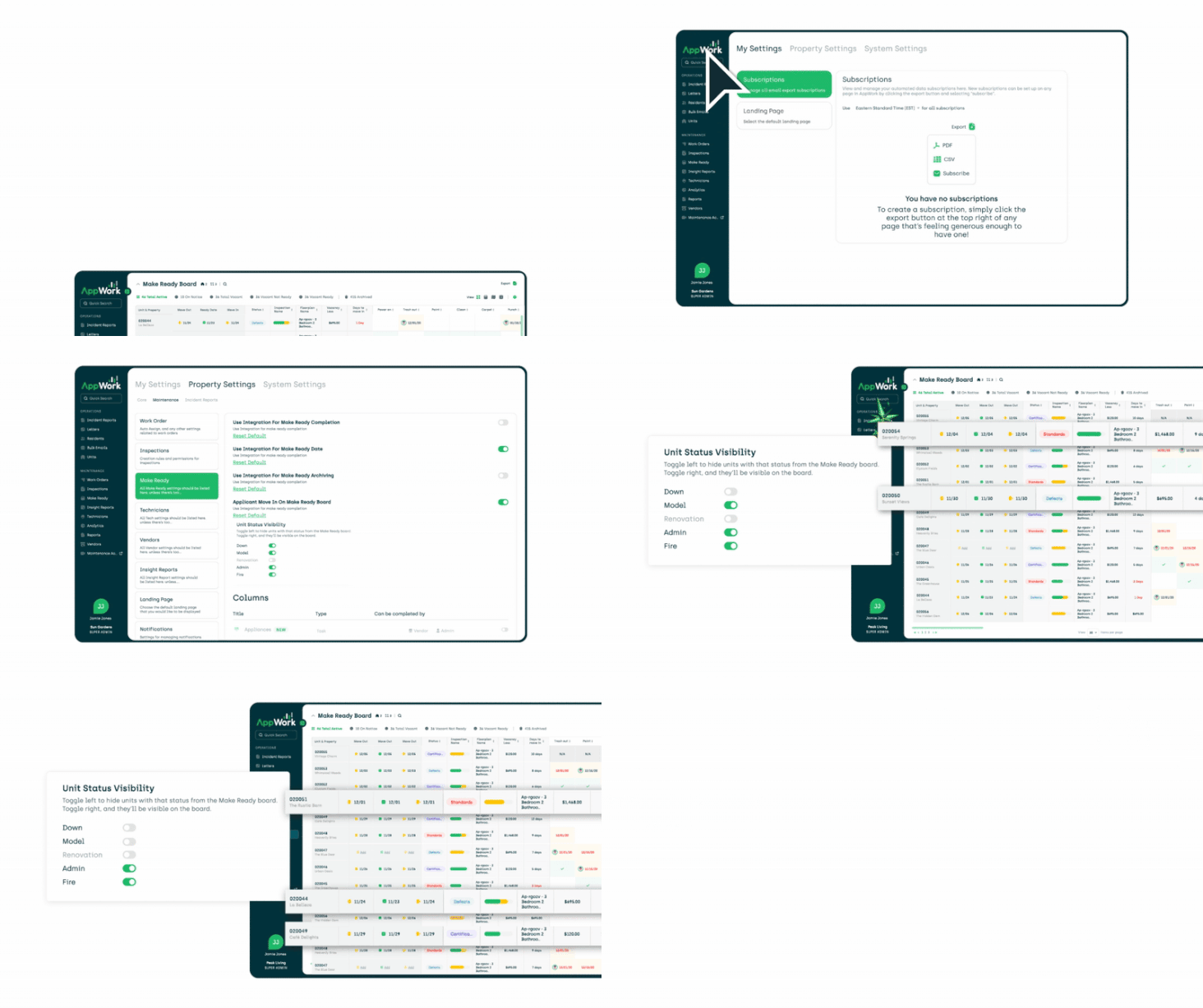
You can now choose which units should be shown on the Make Ready Board by Unit Status. This allows you to easily hide down, model, admin, office, and other non-relevant units.
Configure your selections by navigating to:
Settings → System Settings → Maintenance → Make Ready
When assigning a make ready task to a vendor, AppWork now includes a Task ID in the subject line of the email sent to the vendor.
A great use case for this is referencing purchase orders.
Technicians
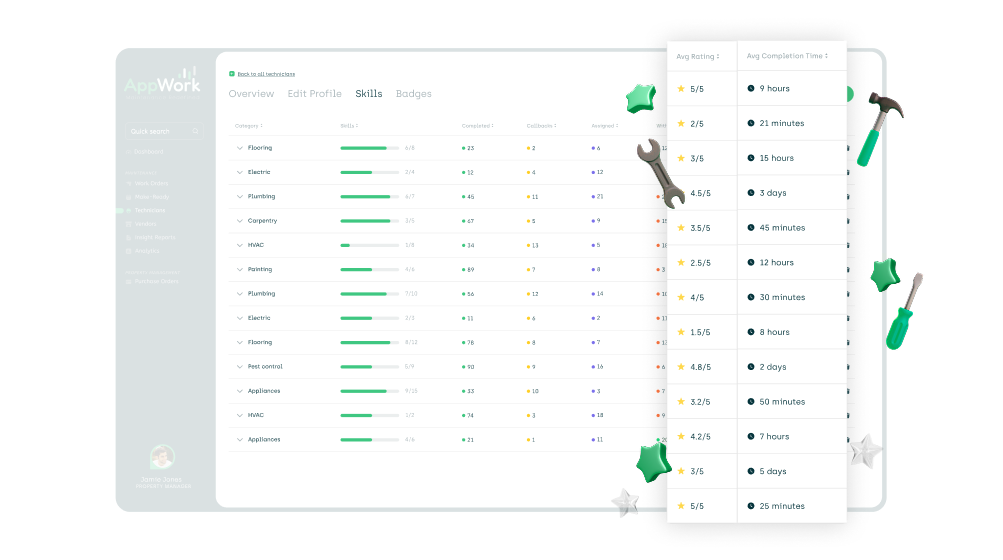
We’re introducing two important new data points to help you better understand technician performance:
- Average rating per category
- Average completion time per category
These new metrics come along with additional enhancements to the tech skills page, including:
- Updated column titles
- The ability to sort columns by metric
These new data points are a major leap forward in visibility, helping ensure your team is properly trained and supported especially when paired with the free training available through The Maintenance Academy.
Reporting
You can now view the source data for the Response Time Report based on: Completion dates vs Work order creation dates. This is controlled via a new filter selector so you can choose how you want to view the dataset.
You can now subscribe to the Technician modal within the Task Time Report
The Task Time report Technician modal table and subscriptions now include the Task ID
API Updates
- You can now update certain Technician data fields via the API
- API documentation now clarifies that Property IDs are AppWork IDs, not IDs from the Property Management System
Other Improvements
- When creating a new vendor, skills are now a required field
- Single Sign-On (SSO) is now available for Microsoft Entra
- Additional security improvements
This release is just the beginning of what we have planned for the year ahead. Dive in, explore the new features, and let us know what you think your feedback helps shape what AppWork becomes next.