Faster Inspections, Smarter Workflows, and More


2/1/26 Release Notes
We took one look at manual processes and said “nope, not this week.” So we added some new tools, smoothed out a few workflows, and gave inspections even more superpowers (because apparently that’s our thing now). Here’s what’s new
Inspections
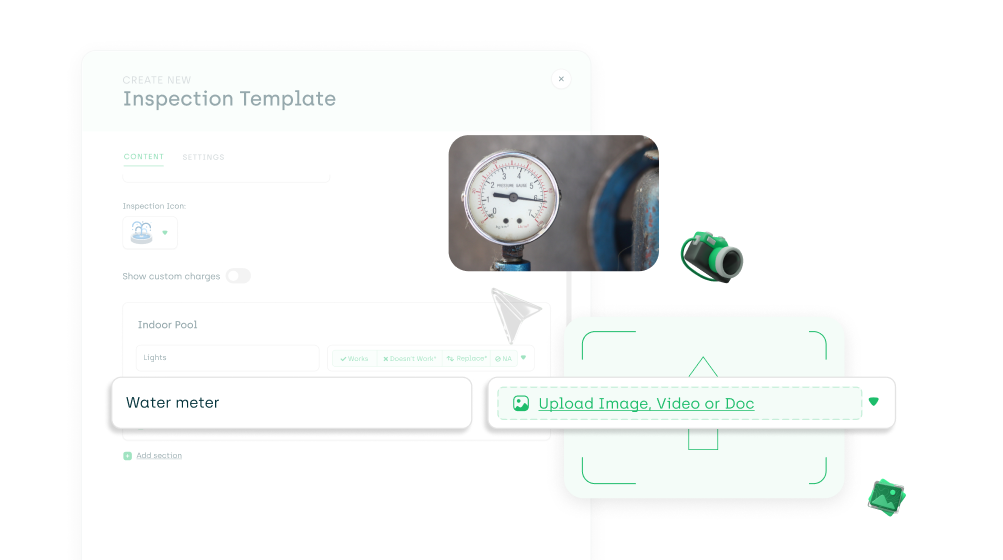
1. New Inspection Input Type: Media Upload
Yes… we added another inspection input type This one’s simple: a Media input, so someone can upload a photo/video without needing to answer “Good / Not Good, etc.”
To Enable:Settings → System Settings → Maintenance → Inspections → select template → input type → Media
2. Export the Inspection Results Report to Excel
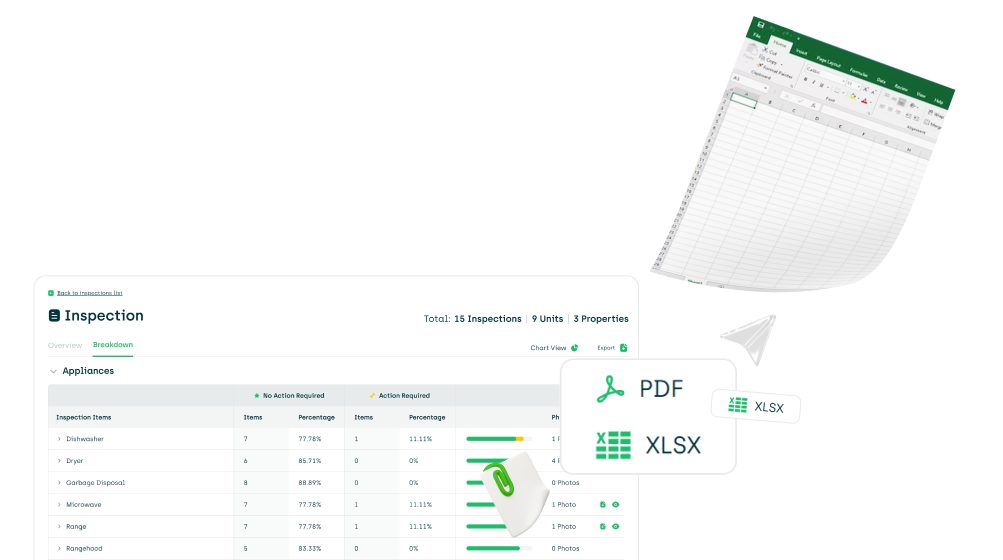
You can now export the Inspection Results Report to Excel. The export includes two tabs: one with formatted results, and one raw tab for anyone who wants to slice, dice, and build their own views.
3. Upload Completed Inspections to ResMan
AppWork can now automatically upload completed inspections directly to the resident's account in ResMan.
Configure:Settings → System Settings → Maintenance → Inspections
4. Clickable Photos in PDFs
When exporting an inspection to a PDF, you can now click on the photos inside of the inspection to view them larger! Incredible, right?! Don’t believe us? Try it for yourself.
5. New Inspection Filters
You can now filter the inspections page by units, and the template filter was updated to now include checklists in the filter.
Work Orders
New Work Order Category
Window Cleaning has been added as a new work order category in AppWork.
Login
Login with Apple SSO
You can now log into AppWork using Apple SSO. If your Apple account email matches your AppWork profile email, you can sign in instantly.
API
New Vendor Endpoints in the AppWork API
API users can now create Vendors directly through the AppWork API, because manual vendor setup is so last year.
That’s everything we shipped this week. If you’d like help enabling any of these features, or want to share feedback, we’re always here for you! More improvements are coming next week!