Clear Skies Ahead with AppWork’s August Release


The August Forecast: What’s new in AppWork
Grab your umbrellas (or sunglasses), because this August release is bringing a forecast full of powerful new features, upgrades, and incredible improvements to AppWork. Whether you’re tackling stormy inspections or breezy work orders, this update has something for you.
Introducing: Weather Intelligence

It’s finally here AppWork Weather Intelligence! Now, work orders come with real-time weather conditions and temperature automatically logged into the timeline. Think of it as your built-in forecast, giving you a fresh perspective on every work order.
Why this matters:
- Prioritize with confidence: If a resident submits “AC is broken” and it’s 98°F outside, you know that one jumps to the front of the line.
- Protect against claims: Each work order comes with time-stamped weather data to give you historical context.
- Smarter repairs: Roof leak reported? Instantly check if it was raining when the work order came in.
How to set it up:System Settings > Maintenance > Work Orders > Enable “AppWork Weather Report” > Save
Inspection Updates
We’ve cleared the skies with a whole set of inspection upgrades that make completing, analyzing, and reporting for inspections smoother than ever:
- Mark sections N/A with one click. Property doesn’t have a pool? Mark the entire section as N/A.
- Every input can now be marked N/A, even free text.
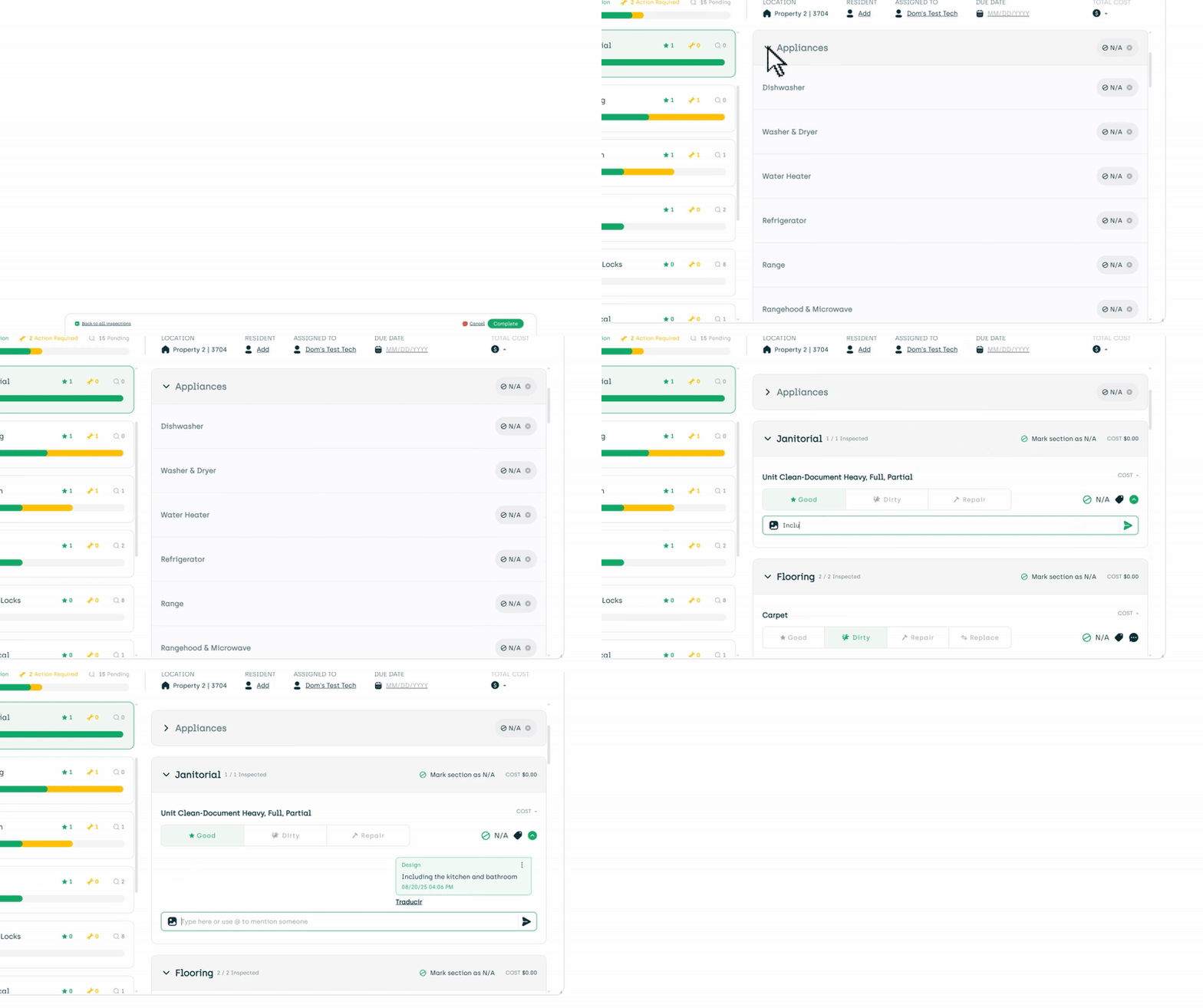
- Cleaner, collapsible inspection view for easier navigation.
- New Overview tab & charts in the Inspection Results Report for quick insights.

- New chart views for financial breakdowns of inspections in Inspection Results Report.
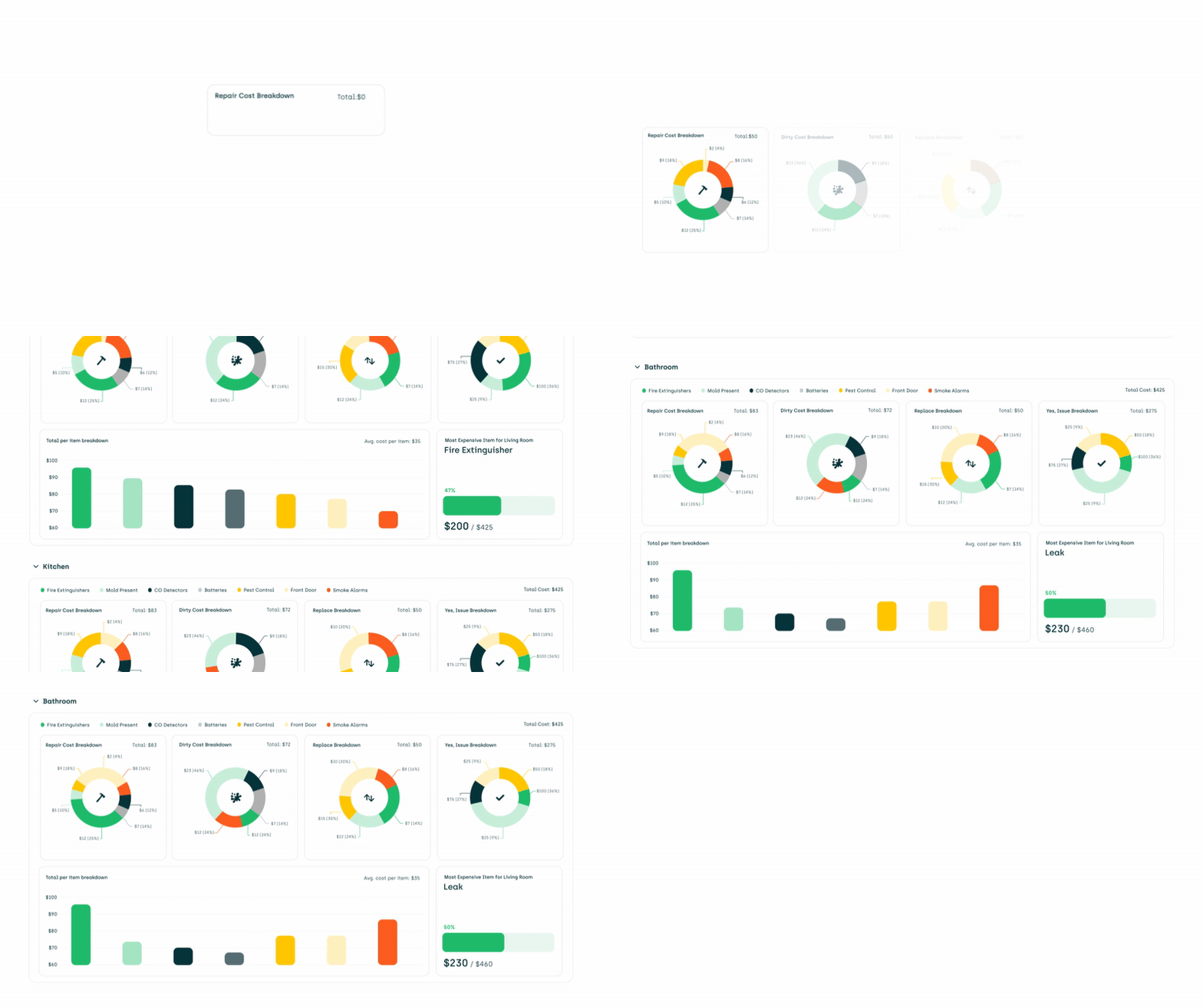
- Analytics now show highest costs and most-used tags for brand new insights.

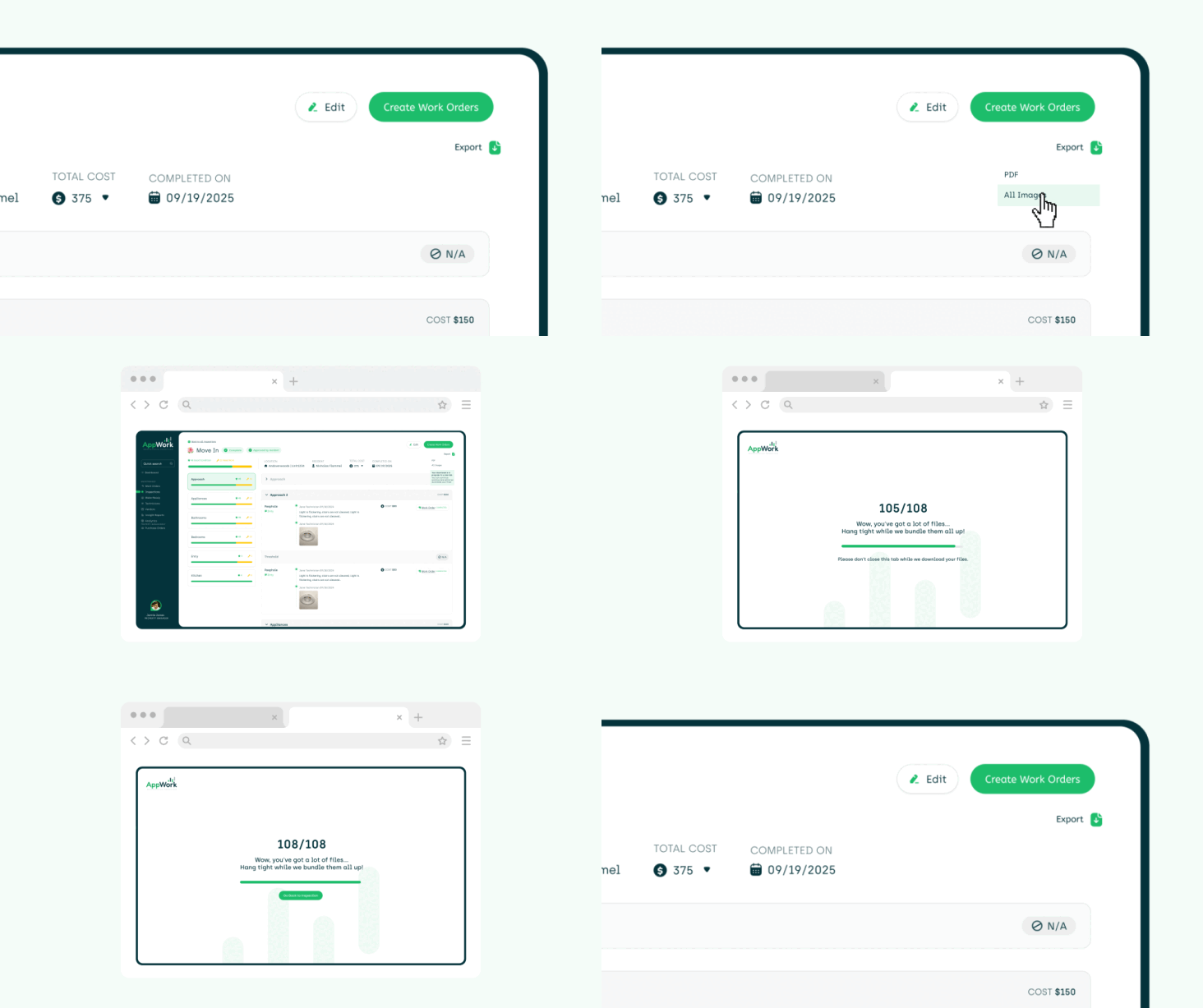
Faster downloads: Reports and images now open in a separate tab so you can keep working.
- Inspection Tags enabled by default (customizable in settings).
- Fixed: Costs in templates no longer hide selectors.
Technician Experience
Because every storm needs a strong crew:
- See more work orders at once on mobile and the admin app.
- Fixed: On-call text reminders now pull in the correct variables.
Reports
Reporting got a serious upgrade with clearer skies and sharper filters:
- Filter out specific technicians in the Task Time Report.
- Character limits now visible when naming saved reports.
- Better error messages for saved report issues.
- Date range now included in Response Time Report exports.
- The Make Ready Task Report now includes the year the task was completed.
Work Orders
Work orders are smoother than a summer breeze:
- Edit skill codes (Yardi only) directly in work orders.
- AI diagnostics tool now works when creating work orders in bulk.
- Assignment emails updated to cover more scenarios.
- Category sync with PMS: Remove a category in PMS and it’s automatically removed in AppWork.
General Upgrades
- Okta-only login option (enable in
System Settings > Core > OAuth). - Okta deprovisioning for both admins and technicians.
- Integration overhaul lets you easily switch PMSs — or even run multiple property management systems in one environment.
- New .csv integration option for clients without a supported PMS.
- Fixed: Ready dates on the Make Ready board no longer get overwritten.
This release is packed with powerful features, smarter workflows, and clear skies ahead.
With AppWork Weather Intelligence, next-level inspection analytics, and smoother work order management, your operations just got a major upgrade.