Built to Simplify Daily Work


The “Make Ready, Not Make Busy” Release
We took a look at a few everyday annoyances and decided they didn’t deserve to survive another week. So we shipped some upgrades, smoothed out a few workflows, and added some new tools to make your life easier. Here’s what’s new
Integrations
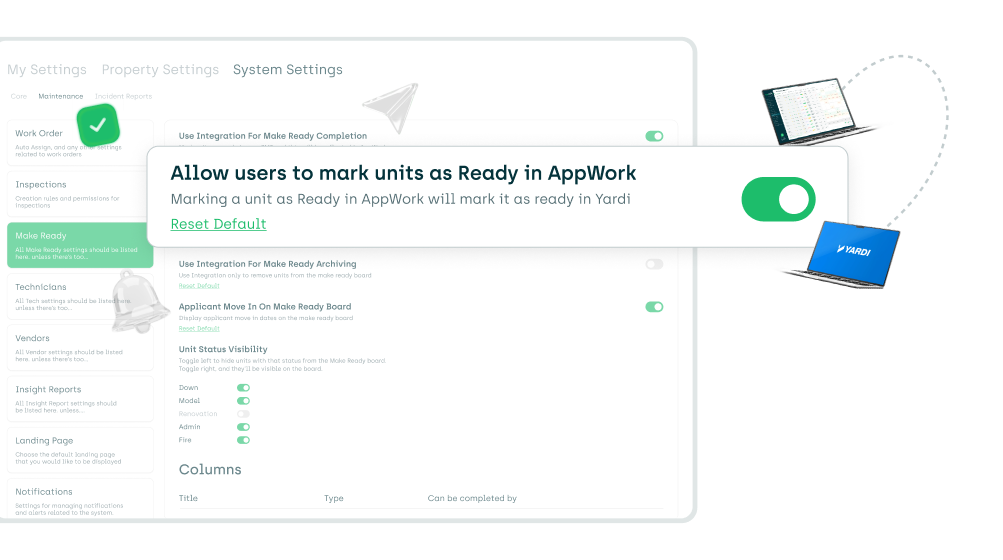
Two-way make ready sync with Yardi (NEW)
You can now mark a unit as Ready in AppWork and we’ll automatically update the unit’s status to Ready in Yardi.
This lets you manage the full make ready process in one place—no need to jump back into Yardi.
To Enable:Settings → System Settings → Maintenance → Make Ready → toggle “Allow users to mark units as ready in AppWork”
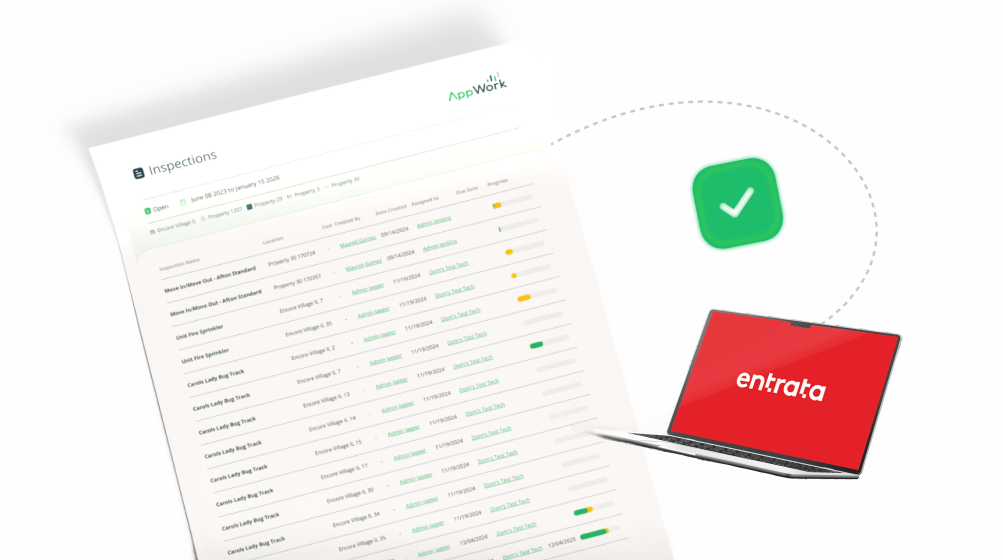
Upload completed inspections to Entrata resident profile
AppWork can now automatically upload completed inspection attachments directly to the resident profile in Entrata.
To Enable:Settings → System Settings → Maintenance → Inspections → Attachment Type
Inspections
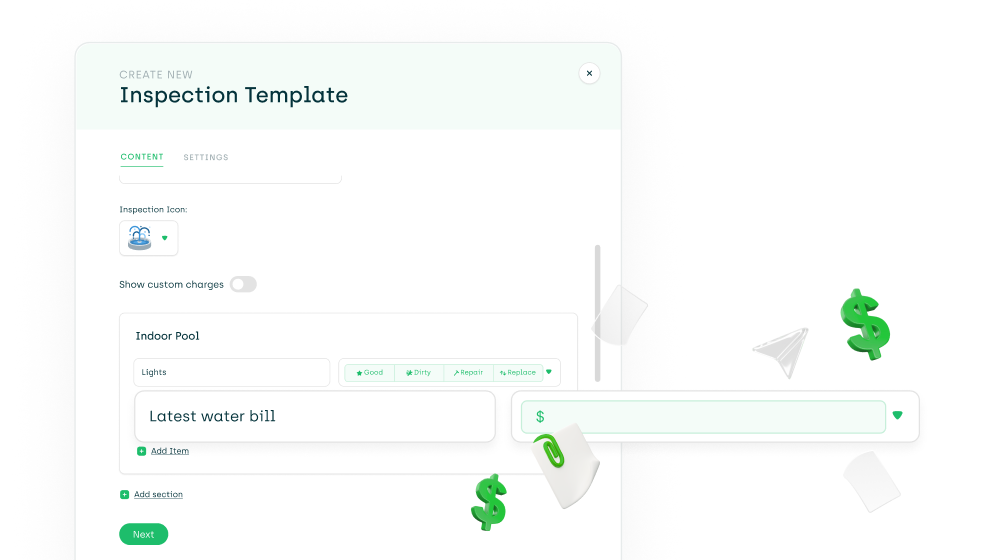
New monetary input type for inspections
We’re continuing to expand inspection customization options. You can now add a monetary input field, perfect for capturing estimates and cost-related inspection findings.
Enable:Settings → System Settings → Maintenance → Inspections → select template → set input type to Monetary
Note: Monetary inputs are currently supported in the Admin Portal and Admin App. Technician App support is coming in the next few weeks.
UX Improvements
Property selector clarity
You can now hover over the property selector to see which properties are selected—no more guessing.
Parts & Reporting
Updated Parts Pending report design
The Parts Pending report now has a refreshed layout, making it easier to manage and track required parts.
🔌 API
API users can now update Admins via the AppWork API
You can now create and update Admin users directly through the API.
Coming Next Week (Sneak Peek)
Here’s what’s coming soon to the Admin Portal:
- Excel export for the Inspection Results report
- Upload completed inspections back to ResMan
- Default inspection responses (so not every question needs to be answered)
- New sharing option to share an incident report internally or externally
- …and more!
That’s it for this week’s drop a few big wins, a few “why wasn’t this here already” updates, and more on the way. As always, if you want help turning any of these on or have feedback, just shout. See you in the next one